The image stayed fixed
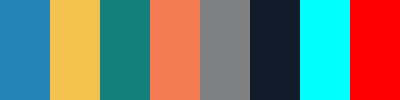
We drew an opaque 400 × 100 pixel PNG with eight solid tiles, each 50 pixels wide. We sampled the centers at Y 50 and X 25, 75, 125, 175, 225, 275, 325 and 375. Flat tile interiors keep an edge blend or a different image location out of this comparison.
The experiment has two evidence streams. A downloadable Python script ranks the same named-color dictionary using squared Euclidean distance in encoded RGB and in CIELAB D65. Separately, we uploaded the PNG to the live name finder and clicked every center. The displayed HEX matched the original value at all eight coordinates. Every live name also matched the script's CIELAB result.
The alternative RGB calculation is a comparison method in the downloaded script, not a second mode in our online tool. The CIELAB formula mirrors the site's current implementation; the online clicks check that this calculation matches the actual interface. That agreement is an implementation check, not independent proof of perceptual accuracy.
One distance change produced a different nearest name
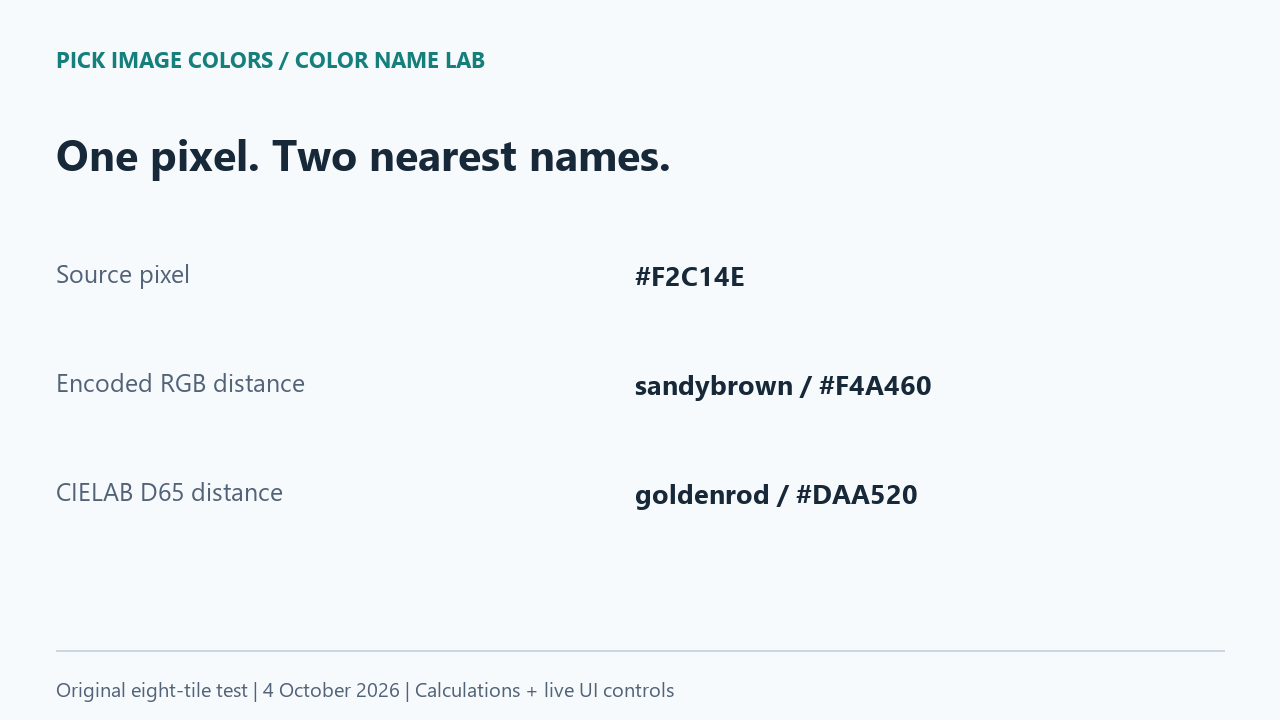
For our yellow #F2C14E, the encoded RGB calculation selected sandybrown (#F4A460). The CIELAB calculation selected goldenrod (#DAA520), and the live interface showed approximately goldenrod while retaining #F2C14E. Neither named swatch is the original pixel's exact value. The difference arose from the comparison rule, with the input and dictionary held fixed.
| Source HEX | Encoded RGB calculation | CIELAB calculation / live name | Live match type |
|---|---|---|---|
| #2484B8 | steelblue | steelblue | Nearest |
| #F2C14E | sandybrown | goldenrod | Nearest |
| #157F7C | teal | teal | Nearest |
| #F47B52 | coral | coral | Nearest |
| #7F8081 | gray | gray | Nearest |
| #111C2B | black | black | Nearest |
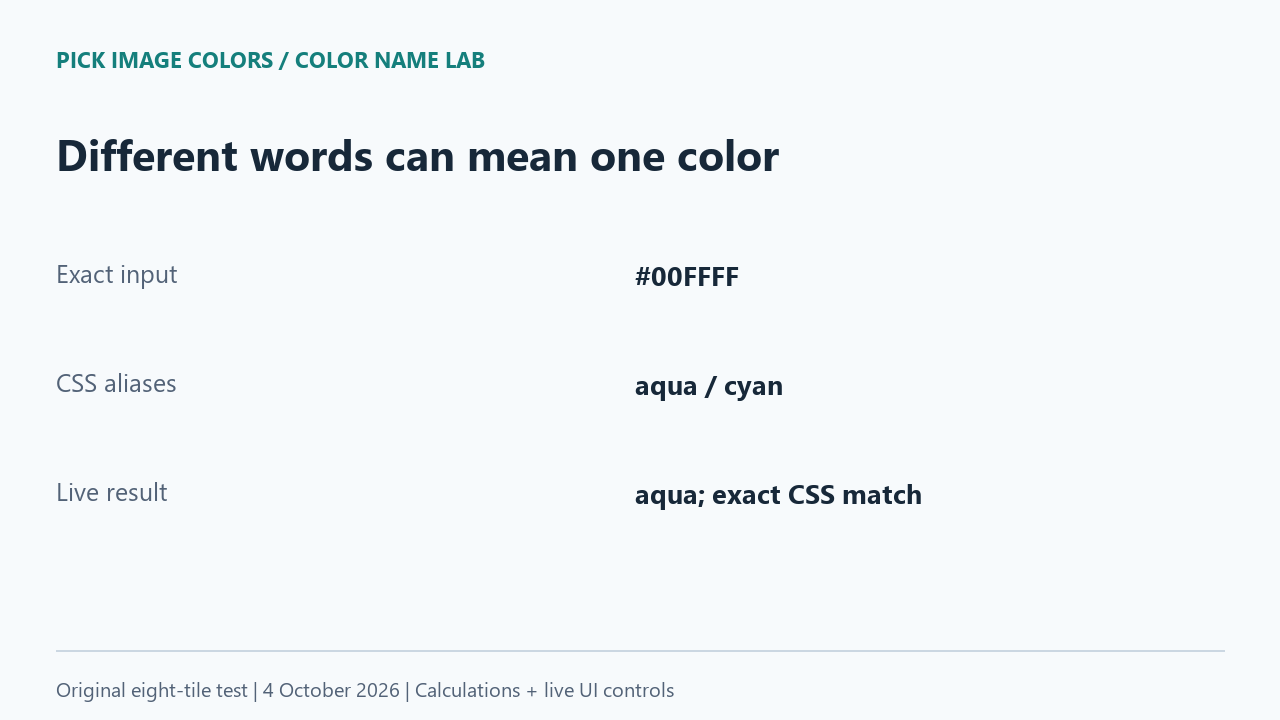
| #00FFFF | aqua | aqua | Exact |
| #FF0000 | red | red | Exact |
The two calculations chose different primary names for one of these eight deliberately selected samples. This is not an estimated disagreement rate across photographs or all colors. Both rules chose steelblue for our first blue and coral for our orange sample, despite using different coordinates for distance. Agreement in one case does not establish that the algorithms are identical.
Approximately black did not turn our pixel black
The dark sample #111C2B received the nearest label black in both calculations. Its live HEX remained #111C2B and the interface explicitly marked the name as approximate. The dictionary entry black is #000000. Substituting the keyword for the sampled code would therefore replace the source shade, rather than preserve it.
Our near-neutral #7F8081 behaved similarly: it received gray, whose dictionary value is #808080. In this example, the green component already equals 128 while the red is 127 and blue is 129. The small difference still prevents an exact named-color match. We did not ask people whether they could see that difference.
Sometimes two names are exactly the same color
MDN's named-color reference lists fixed RGB values for CSS names. It lists aqua and cyan as synonyms at #00FFFF, and gray and grey at #808080. A change between those aliases does not imply a change in the RGB value.
Our exact controls separated aliases from approximations
The #00FFFF tile returned aqua and an Exact CSS color match message. The pure red #FF0000 tile also returned an exact match. These controls show that the approximate labels on the other tiles were not simply a message applied to every uploaded pixel.
In our dictionary, aqua occurs before cyan. The matching loop keeps the earlier entry when distances tie, so this exact input produces aqua. The similar-colors list groups equal-RGB aliases and excludes the selected group. In the observed aqua result, it listed turquoise, darkturquoise, mediumturquoise and aquamarine; it did not present cyan as a different nearby color.
The yellow result offered darkgoldenrod, sandybrown, khaki and orange as alternatives. Those are candidates from the named dictionary. They were not detected as extra tiles in our image. This distinction matters when a name finder displays several swatches beside a single selected point.
Repeat the comparison without changing the image
- Download and extract the lab ZIP. Open name-fixture.png in the existing color-name tool and select each tile center. Compare the displayed HEX, name and match message with the saved interface readings.
- Run python compare.py in the extracted directory. It uses the Python standard library and the supplied dictionary. Compare the two name columns with the published calculation table.
- For the yellow, check the source code and the separate named-swatch codes. Do not replace #F2C14E with either candidate before comparing the methods.
- Use the aqua and red tiles as exact controls. If a tool chooses cyan instead of aqua, compare the underlying code before calling that a mismatch.
The live checks were performed in Chrome on October 4, 2026. The download records each selection and its timestamp, source values, coordinates, formula and fixture hash. The test excludes transparency, print conversion, paint brands, material recognition and judgments about which word a person prefers. Our CIELAB distance is Euclidean, not CIEDE2000.
Before you change a color to fix its name
Should I use the copied name or the copied HEX?
Use the sampled HEX to preserve the pixel value. An approximate name communicates a nearby named shade; it is not a promise of an identical CSS color.
Can a bigger name list change the result?
It can change the candidates available to the matcher. This experiment kept the list fixed, so it isolates the distance rule rather than measuring different dictionaries.
Does a name difference prove that sampling is inaccurate?
No. First compare the values for the same point in the same file. Our yellow had different calculated names with an unchanged source value.
Watch the naming comparison
Original diagrams with synthetic English narration.