One blue file, separate permission paths
We authored an opaque PNG containing RGB (36, 132, 184), or #2484B8. Its dimensions are 120 × 80 pixels and its encoded size is 260 bytes. Our local server returned exactly those same bytes for every image request. We did not substitute a screenshot, recompress the file or change its color profile between cases.
The test page ran at 127.0.0.1 on port 8766. A second server ran on port 8767. That changed the origin while keeping both servers on the same computer. One response path supplied Access-Control-Allow-Origin: *; the other omitted it. The page displayed each outcome and attempted to read coordinate X 60, Y 40 from a fresh canvas.
The expected readable result was RGBA (36, 132, 184, 255). Our same-origin control returned exactly that. This control matters: without it, a broken decoder or an incorrectly generated image could be mistaken for a permission failure.
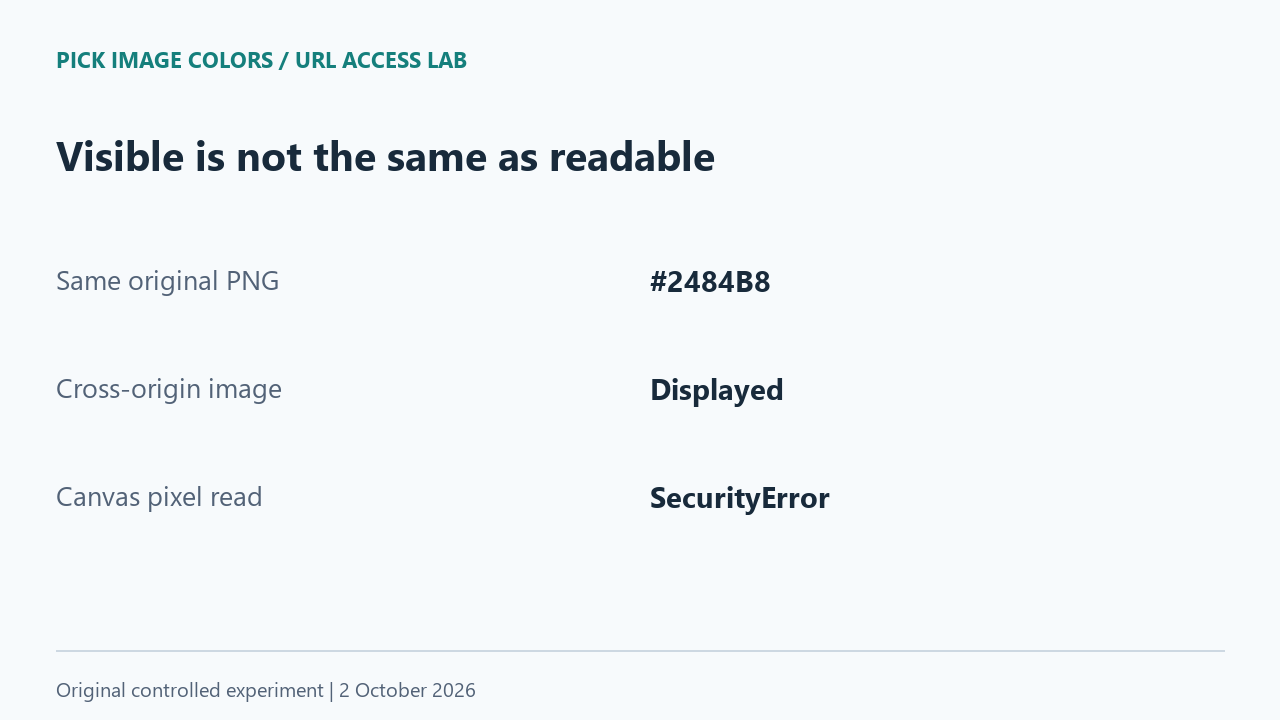
The image cases did not all fail at the same stage
| Image request | Server permission | Load | Pixel read |
|---|---|---|---|
| Same origin | No CORS header | Loaded | #2484B8 |
| Cross origin, ordinary image | No CORS header | Loaded | SecurityError |
| Cross origin, anonymous image | No CORS header | Load error | Not attempted |
| Cross origin, anonymous image | Allow-Origin: * | Loaded | #2484B8 |
| Cross origin, ordinary image | Allow-Origin: * | Loaded | SecurityError |
The ordinary cross-origin image was visible without a permission header, but getImageData threw SecurityError. The anonymous request without permission failed earlier, during image loading. Reporting both as simply “the image did not work” would hide the difference we actually observed.
There was another useful control: adding the permissive response header while leaving the image request ordinary still blocked the pixel read. In our harness, both the anonymous request and the matching server permission were needed for the cross-origin image to return the expected blue. A header seen somewhere on a server is not, by itself, proof that a particular image request is readable.
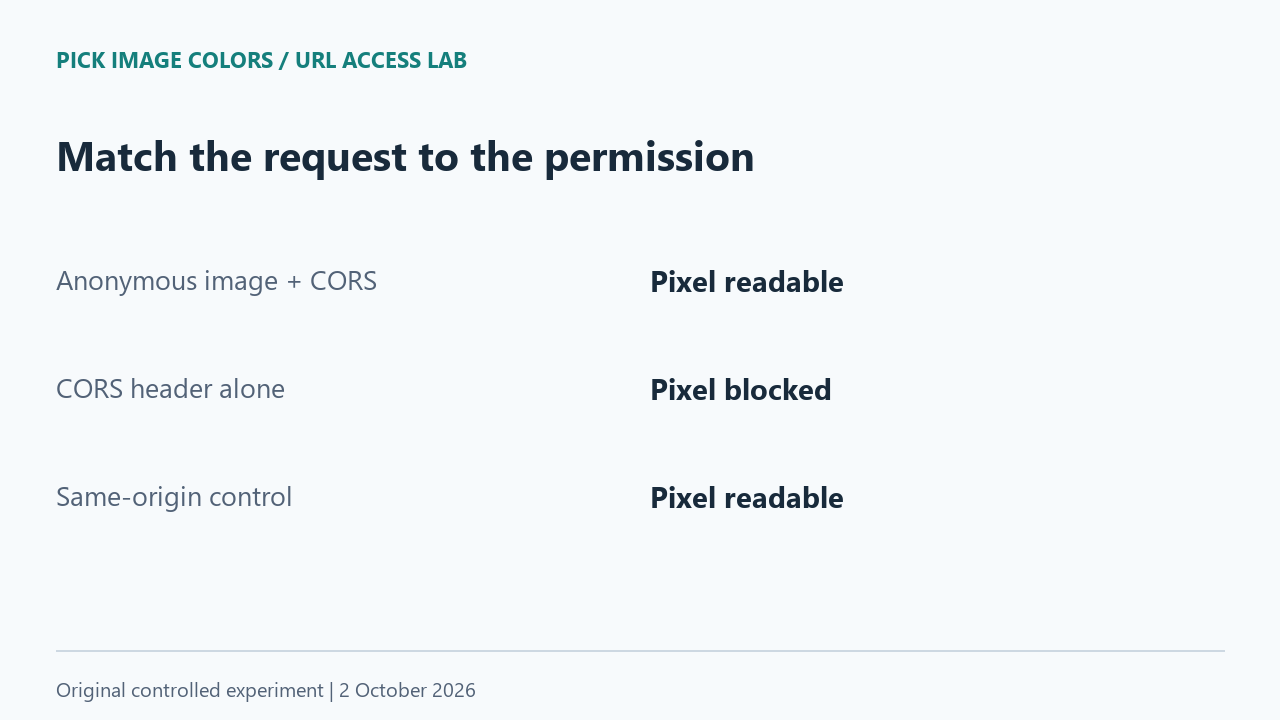
Why browsers distinguish display from pixel access
MDN's canvas documentation explains that drawing a cross-origin image without the required permission taints a canvas. Reading its pixels then raises SecurityError. An image element's cross-origin request setting and the host's response permissions work together. This protects data that a page may display without being allowed to inspect.
Our URL input uses fetch, so we tested that path too
The current Pick Image Colors URL loader requests the image with fetch in cors mode, omits credentials, and reads the response into a local blob. It does not use the ordinary image-element path from the first table. We therefore added separate fetch cases to the harness instead of assuming that a canvas error would be the site's exact error.
| Request mode | Server permission | Observed result |
|---|---|---|
| cors | No CORS header | TypeError: Failed to fetch |
| cors | Allow-Origin: * | HTTP 200; 260-byte blob; #2484B8 |
| no-cors | No CORS header | Opaque response; status 0; 0-byte readable blob |
The no-cors case did not unlock the file. Its readable blob was empty, and our attempt to decode that blob produced an image load error. Status 0 here was the exposed response status, not an HTTP status sent by our server. The server still served the fixture; the browser did not expose its content to this request.
With permission, the cors fetch case returned the fixture's full 260 bytes, then read RGBA (36, 132, 184, 255). This isolated access behavior from color behavior: successful cases agreed on the pixel value, while failed cases provided no substitute color to compare.
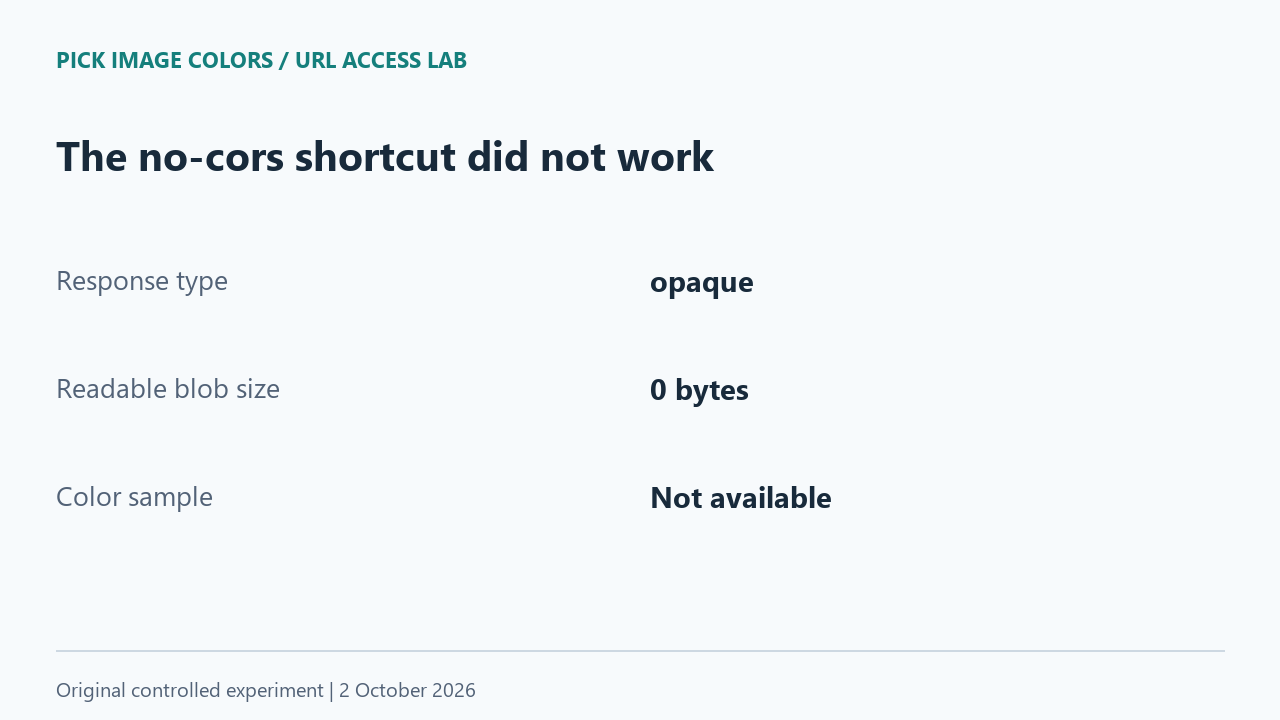
Choose the next step from the failure you can observe
If the image belongs to you or you have permission to use it, save the original and use the homepage's Upload image button. Avoid using a screenshot as a replacement when exact source pixels matter. A screenshot is a separate image, so successful sampling would not establish that its values match the original.
If you manage the image host, configure cross-origin access for the intended client and verify the actual image response. Do not disable browser protections or route private images through an unknown proxy. If the URL is not a direct image, obtain the original file rather than submitting a page that merely contains one.
A generic fetch failure also covers failures unrelated to CORS. The Fetch documentation distinguishes rejected requests from ordinary HTTP error responses. Our controlled test deliberately isolated missing permission; it cannot diagnose an arbitrary remote host from one error message.
Repeat our permission comparison
- Download the reproduction script and install Pillow in your own Python environment if needed. Run the script; it writes the original PNG and starts two loopback-only servers.
- Open http://127.0.0.1:8766/ in a browser and press Run experiment. The script uses ports 8766 and 8767, so they must be available.
- Read the visible result table and JSON. Compare the load stage, pixel-read stage and error name separately. The file bytes remain fixed across the cases.
- Compare the readable cases with RGB (36, 132, 184). Stop the local script when finished; it does not need an account, proxy or public server.
We ran the supplied harness in Chrome 154 on Windows on October 2, 2026. The downloadable observation record includes the exact browser string and timestamp; the fixture record includes its SHA-256 hash. The local setup deliberately excludes authentication, redirects, HTTPS mixed-content behavior, rate limits and remote network failures. Those cases were not measured and should not be inferred from this table.
Questions about colors from image links
Does opening the link prove a color picker can use it?
No. In our ordinary cross-origin image case, the image loaded but pixel reading was blocked. Displaying the picture was not enough.
Can no-cors fix an image URL import?
It did not in this experiment. The request exposed an opaque response and an empty readable blob, leaving no image pixels to sample.
Does a failed URL mean the color is wrong?
No color was returned in our failed cases. Resolve access first; do not interpret an old result or an empty preview as a new measurement.
Watch the access experiment
Original diagrams with synthetic English narration.