The missing pink was in the table, not in the picture
We authored an indexed PNG with a teal left half and a gold right half. The saved file contained four PLTE entries: teal, gold, a deliberately unused pink, and a black padding entry. The pink was #C6347A. Parsing the saved palette confirmed that it was present even though no pixel referenced its index.
The image measured 240 × 120 pixels. We counted every source index and also decoded the full grid to RGB. Both methods found only teal and gold. This check matters because looking at a picture cannot establish that an almost invisible color has zero pixels; our conclusion comes from an exhaustive count of these original files.
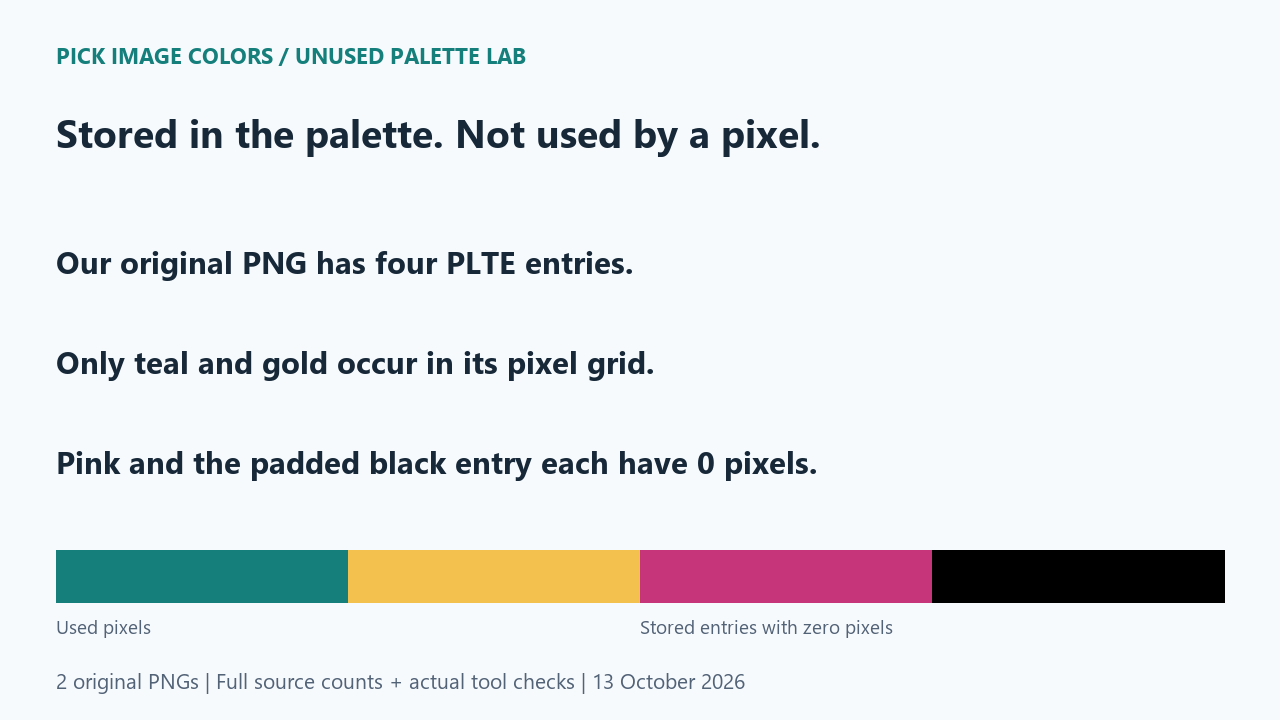
Four stored entries did not mean four used colors
The table pairs each actual PLTE entry with its source pixel count. In the original, index 0 occurred 14,400 times and index 1 occurred 14,400 times. Indices 2 and 3 never occurred. The decoded RGB histogram likewise contained only #157F7C and #F2C14E, with 14,400 pixels each.
| Index | Original entry | Control entry | Pixels using entry in each file |
|---|---|---|---|
| 0 | #157F7C | #157F7C | 14,400 |
| 1 | #F2C14E | #F2C14E | 14,400 |
| 2 | #C6347A | #3466C6 | 0 |
| 3 | #000000 | #000000 | 0 |
The count closes over the whole image: 14,400 + 14,400 = 28,800, equal to 240 × 120. We kept the padded black entry in the report instead of omitting it to make the file look like a three-entry palette. The claim is about the table actually saved, including its unused entries.
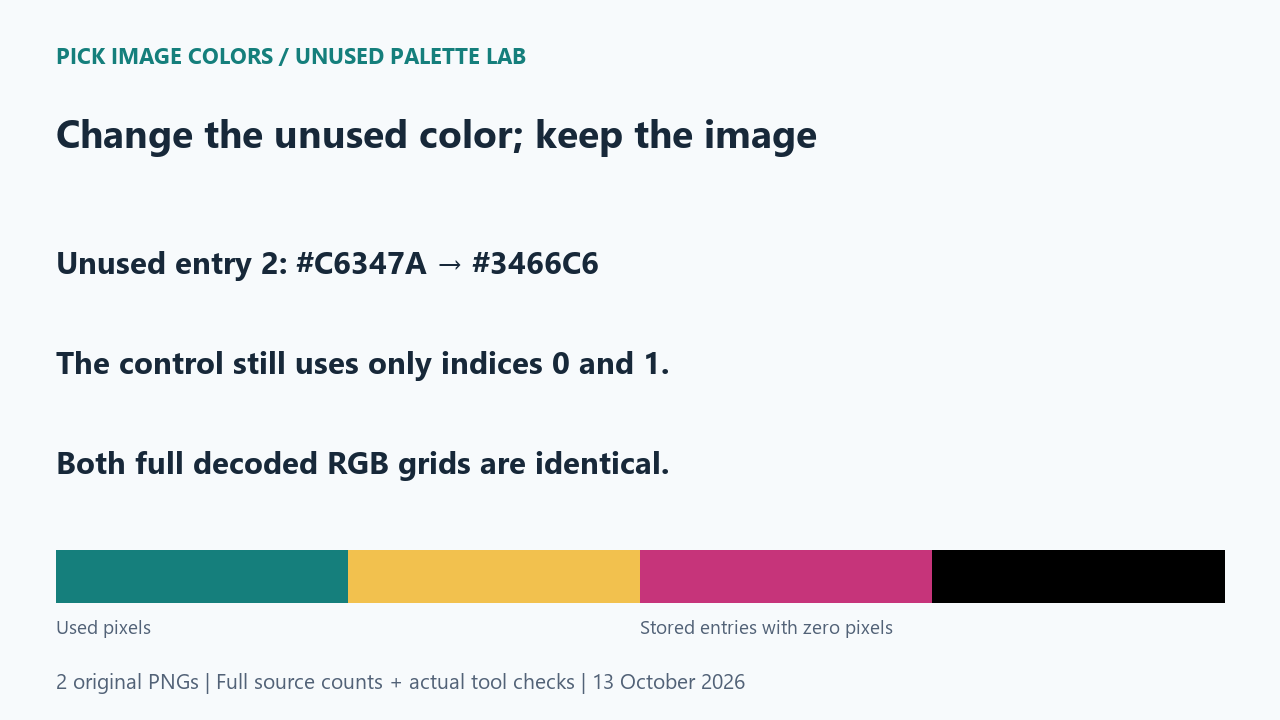
Changing the unused entry did not add that color
For the control file, we changed entry 2 from pink #C6347A to blue #3466C6. We preserved the teal and gold entries and the complete source index grid. Both files still had four entries and used only indices 0 and 1. Their full decoded RGB grids matched byte for byte.
The control ruled out a tempting explanation for this example: storing a blue table entry did not create blue pixels. Its usage count remained zero. We checked the saved file hashes, table bytes and decoded-pixel hashes, so the result did not depend on the filenames or a visual comparison of the two halves.
The public tool generated only the used colors in this test
We loaded each saved PNG through the public tool's file chooser in one browser session. Both displayed 240 × 120 px. The Colors control requested 8, but the generated palette contained only #F2C14E and #157F7C. The interface reported that fewer distinct sampled colors were available than requested.
We also made two actual selections per file, at (40, 60) and (200, 60). All four readings agreed with the known source pixels: #157F7C on the left and #F2C14E on the right. Neither generated palette included the unused pink, the control's unused blue, or the padded black.
This browser observation is narrower than the full source count. It shows how this tool handled these two inputs in this session; it does not prove that every automatic palette is exhaustive, or that a rarely used color must always appear as a swatch. The zero counts come from the source files, not from absence in the generated palette.
A file palette and an image histogram answer different questions
The PNG specification permits entries that are unused or duplicated. A stored PLTE list therefore describes available table entries. It is not a guarantee that each entry appears in the picture.
Pillow's getpalette method returns the palette list. Its getcolors method reports colors used in the image, in the image's current mode. Our checker counts source indices and decoded RGB separately so those representations remain explicit.
Reproduce the stored-versus-used comparison
- Download and unpack the ZIP. Run
check-used-colors.pywith Python and Pillow. It validates both saved-file hashes before reporting each actual table entry and its pixel count. - Compare the original with the control. Entry 2 changes from pink to blue; entries 0 and 1 retain their colors and counts.
- Upload either PNG to the image color picker. Check the filename and dimensions, then compare its generated swatches with the count table.
- Try the two coordinates listed above. Keep the distinction between a point sample, a generated palette and the complete file count.
These files are opaque indexed PNGs without embedded color profiles. We did not test transparency, duplicate RGB entries, damaged files or other palette generators. A diagram shows all stored entries for explanation; the sample PNGs themselves contain only the two used colors.
Questions about colors missing from a PNG image
Does an unused pink entry mean the picker missed pink?
In this sample, no pink pixel exists to select. Its source count is zero, so leaving it out of the generated image palette is consistent with the file.
Can I delete every entry with a zero count?
This experiment checks usage, not a safe palette-editing procedure. Changing table positions can affect the mapping of indices. Keep that separate from identifying which colors occur.
Does a missing generated swatch prove the color is unused?
No. Inspect the source pixels to establish that. An automatic palette can answer a different question from an exact full-image histogram.
Watch the unused-entry comparison
Original diagrams with synthetic English narration.