Two tables, the same visible stripes
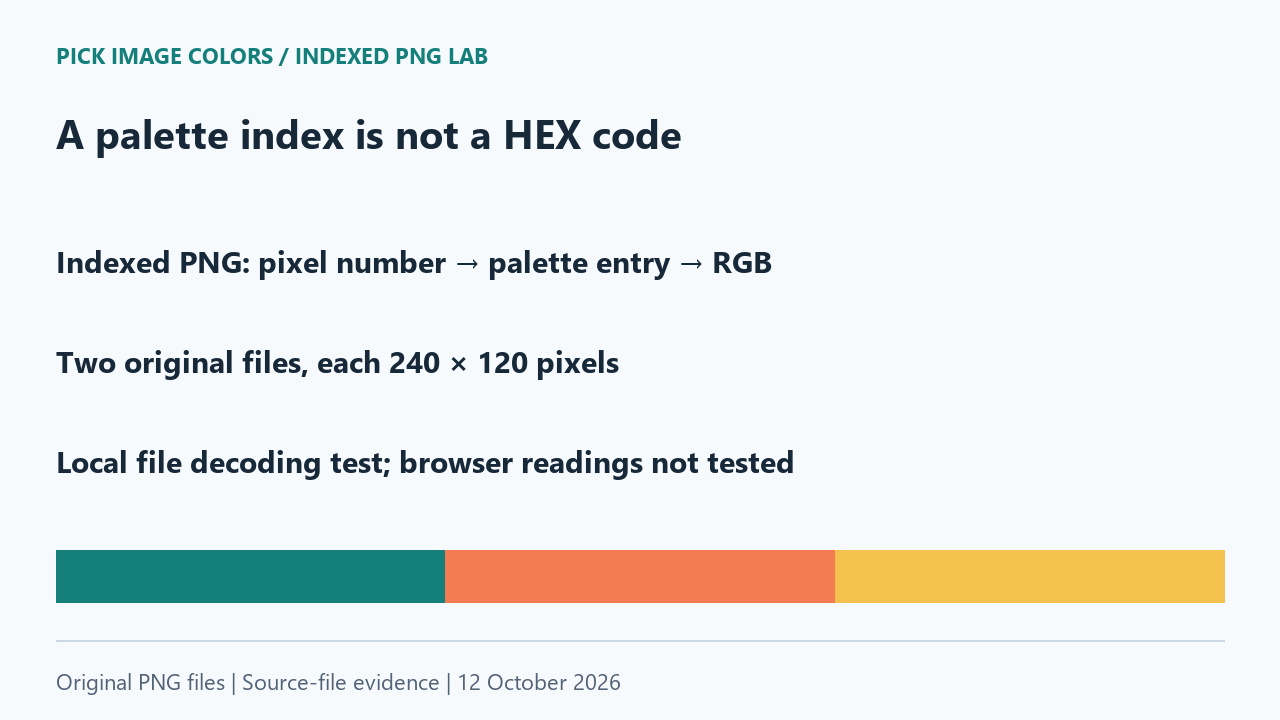
We created two indexed PNGs, each 240 × 120 pixels, with teal, coral and gold stripes. File A stored those colors in that order. File B stored gold, teal and coral instead. We remapped the pixel indices in file B so each position still referred to the intended color. This kept the color image unchanged while changing its indexed representation.
We reopened both saved files with Pillow and parsed their PNG chunks independently. Their IHDR fields showed color type 3 and bit depth 2. The raw pixel at each test point was a palette index. For every recorded point, we compared the RGB bytes selected from PLTE with the RGB pixel produced by decoding. Both methods agreed.
Different indices can describe the same color
At coordinate (40, 60), file A stored index 0 and file B stored index 1. Both palette lookups returned RGB (21, 127, 124), which formats as #157F7C. The other two stripe positions also used different indices while decoding to the same RGB. The table shows the values read from the saved files.
| Coordinate | Index in A | Index in B | Decoded HEX in both |
|---|---|---|---|
| (40, 60) | 0 | 1 | #157F7C |
| (120, 60) | 1 | 2 | #F47B52 |
| (200, 60) | 2 | 0 | #F2C14E |
This was not just a comparison of three lucky points. We decoded the complete images to RGB and compared every byte. Their decoded grids were identical, and their decoded RGB SHA-256 hashes matched. The separate source-file hashes differed. The download records both kinds of hashes so an indexed-file difference is not mistaken for a color difference.
The result depends on remapping the pixel indices as well as reordering the table. If we changed only the table order, the old indices would select different entries. Our experiment deliberately changed the representation while preserving the decoded image, rather than assuming that editing a palette is harmless.
Index zero is not automatically black
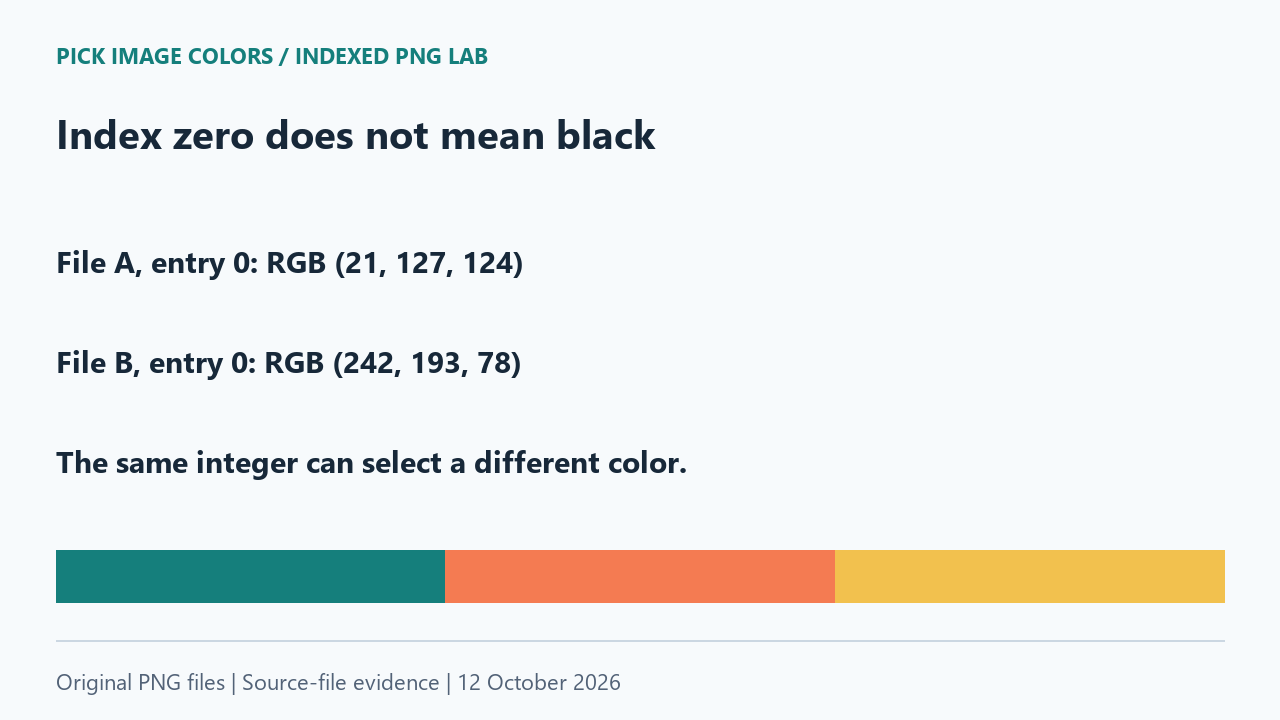
Our files also show why the integer alone cannot identify a color. Palette entry 0 in file A contained RGB (21, 127, 124), our teal. Entry 0 in file B contained RGB (242, 193, 78), our gold. The same index number therefore referred to different colors in the two files.
We checked those entries directly in each file's PLTE payload. We did not infer the values from stripe appearance, filenames or an automatic palette. For these files, the raw index answered which table entry to read; the bytes in that entry answered what RGB value the pixel represented.
What the PNG format says
The PNG specification requires PLTE for indexed color type 3. Pixel value 0 selects the first entry, value 1 the second, and so on. Each entry contains red, green and blue bytes. The indexed image's bit depth describes the index storage, not the depth of those color components.
Pillow's palette documentation likewise describes mode P as using a table to define pixel colors. When inspecting a file, distinguish an index from a decoded RGB tuple. A standalone integer is insufficient without knowing the image mode and, for indexed color, its palette.
Repeat the lookup on the saved files
- Unpack the sample ZIP. Run
check-index.pywith Python and Pillow. The script validates each file hash and its IHDR fields before reading the samples. - Inspect the printed index and RGB at (40, 60), (120, 60) and (200, 60). Compare file A with file B at the same coordinate.
- Check the final full-grid comparison. Matching sample points alone would not prove that the rest of the image matched.
- For another indexed PNG, use that file's own palette. Do not reuse either sample file's index-to-color mapping.
These originals are opaque and contain no transparency or color-profile chunks. We did not test transparent palette entries, damaged indices, a quantization workflow or browser decoding. The six observations are local file reads, not clicks on the website. They establish the source-file mapping and nothing about a particular browser's displayed result.
Questions about indexed PNG colors
Can I turn palette index 1 directly into HEX?
Look up entry 1 in that image's palette first. Format the resulting RGB components as HEX, rather than treating the index as a color component.
Why can the index change while the color stays the same?
Our second file moved the palette colors and remapped the pixel indices to their new positions. The resulting RGB pixels stayed identical.
Does this prove every browser will show the same HEX?
No. This comparison was performed on the saved files with local parsing and decoding. Browser behavior and color management were not measured here.
Watch the palette lookup
Original diagrams with synthetic English narration.