The files had the same pixel grid
We created an opaque RGB image with three vertical stripes, then saved it twice without resizing. Each file contained 240 × 120 pixels. The requested density settings were 72 and 300 DPI. Before uploading, we reopened both PNGs with Pillow and checked their dimensions, source RGB values and SHA-256 hashes. Their decoded pixel bytes matched exactly.
We also compared the PNG chunks. Both contained IHDR, pHYs, IDAT and IEND. The compressed image data in IDAT was identical. Every chunk payload except pHYs matched between the files. This made the test a density-only change, rather than an attempt to infer unchanged pixels from the two filenames.
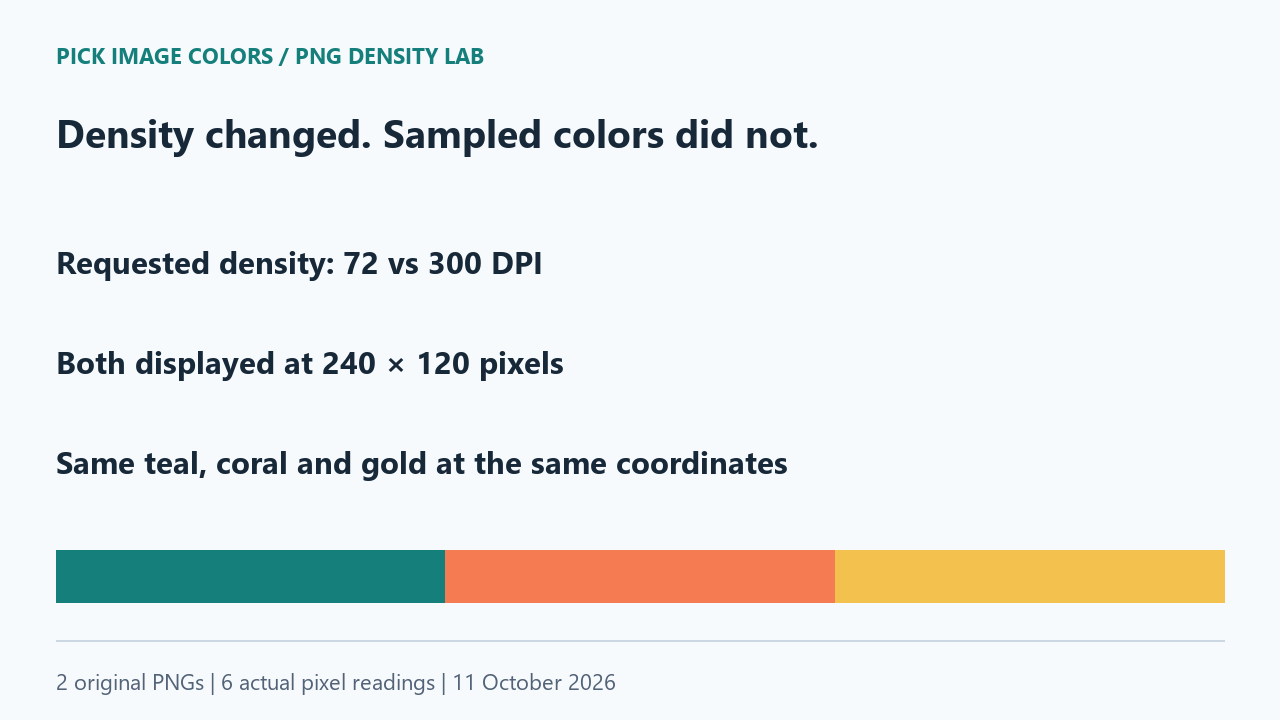
The same coordinates returned the same colors
We uploaded density-72.png through the public tool's file chooser. Its displayed dimensions were 240 × 120 px. We clicked (40, 60), (120, 60) and (200, 60), read the coordinates shown beside the image, and recorded the HEX control after each click. Then we uploaded density-300.png and repeated those three selections.
| Source coordinate | density-72.png | density-300.png |
|---|---|---|
| (40, 60) | #157F7C | #157F7C |
| (120, 60) | #F47B52 | #F47B52 |
| (200, 60) | #F2C14E | #F2C14E |
The second file also displayed 240 × 120 px. Both teal readings were #157F7C, both coral readings were #F47B52, and both gold readings were #F2C14E. Each agreed with the known source RGB at that position. These were six actual interface selections, not colors guessed from how the stripes looked.
We chose points inside the stripes, away from their boundaries. The test therefore compared matching source pixels while avoiding a separate question about edge interpolation. It does not establish how another application lays out an image using its physical-size metadata.
Different file hashes did not mean different colors
Both original PNGs were 443 bytes long, but their whole-file SHA-256 hashes differed. The pHYs payload had changed: the first stored 2835 pixels per metre on both axes, and the second stored 11811 on both axes. Both used unit value 1. The full-file hash described the entire file, including metadata; it could not by itself tell us that the RGB samples had changed.
The matching decoded-pixel hash and matching IDAT payload answered that narrower question. Along with the six interface readings, they showed why changing this metadata did not produce a new HEX result in this experiment. File size alone was also insufficient: equal byte lengths would not normally prove equal image data.
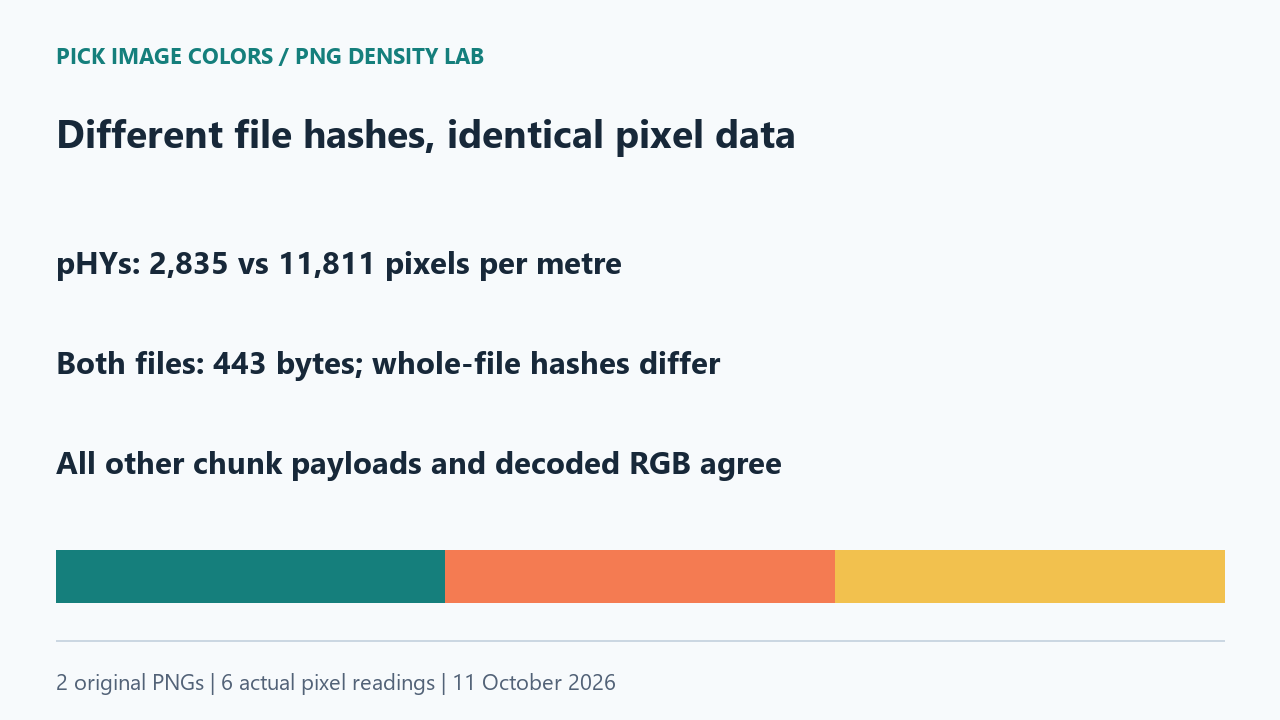
Density and color are separate file properties
The PNG specification describes pHYs as intended pixel size or aspect ratio. A unit value of 1 means metres. Those integer fields explain why the stored values in our manifest should be read directly instead of treating the requested DPI labels as exact encoded values.
Changing a metadata field does not add detail to the original grid. An editor may combine a density adjustment with other operations. If your color changed, compare the actual exported files and their pixel dimensions; the density label alone is not enough to identify what happened. This experiment did not exercise a particular editor's resampling or color-conversion options.
Repeat the comparison on the files themselves
- Download and unpack the ZIP. Run
check-density.pywith Python and Pillow. It checks both source-file hashes, decoded pixels and all non-pHYs chunk payloads. - Upload density-72.png. Confirm the filename and 240 × 120 dimensions. Click the three coordinates in the table and record the visible HEX values.
- Upload density-300.png and use the same coordinates. Confirm the new filename before comparing the results.
- If your results differ, keep the exported files and the visible dimensions. Check whether the sample is still a density-only change before attributing the difference to DPI.
Our result covers two opaque RGB PNGs and one desktop Chrome session. Neither file contained an embedded color profile or a gamma chunk. We did not test printing, a change of color profile, or an editor that resamples during export. The download includes the original inputs and dated observations so these limits remain visible.
Questions about DPI and image color picking
Will changing 72 DPI to 300 DPI improve the HEX reading?
Our density-only change left the source pixels and all sampled HEX values unchanged. It did not create a denser pixel grid.
Does a different file hash prove that the colors changed?
No. Our two hashes differed because the files contained different metadata. Their decoded pixel data and sampled colors still matched.
Why might an editor export a different color after a density adjustment?
Check the actual pixels and export settings. The editor may have performed another operation at the same time. We did not test those editor workflows here.
Watch the density comparison
Original diagrams with synthetic English narration.