Two limits answered different questions
We tested the public picker with three original RGB PNG files. Each contained a coral vertical strip on a teal background. Before using the browser, we reopened each file with Pillow, checked its dimensions and center pixel, and recorded its exact file length and SHA-256 hash. This separated facts about the source files from the website's later responses.
The current tool checks a file-byte limit of 40,000,000 and a decoded-pixel limit of 24,000,000. These constants come from our implementation, not an industry standard. All three files were below the byte limit. Their pixel counts were deliberately placed below, exactly at, and just above the second boundary.
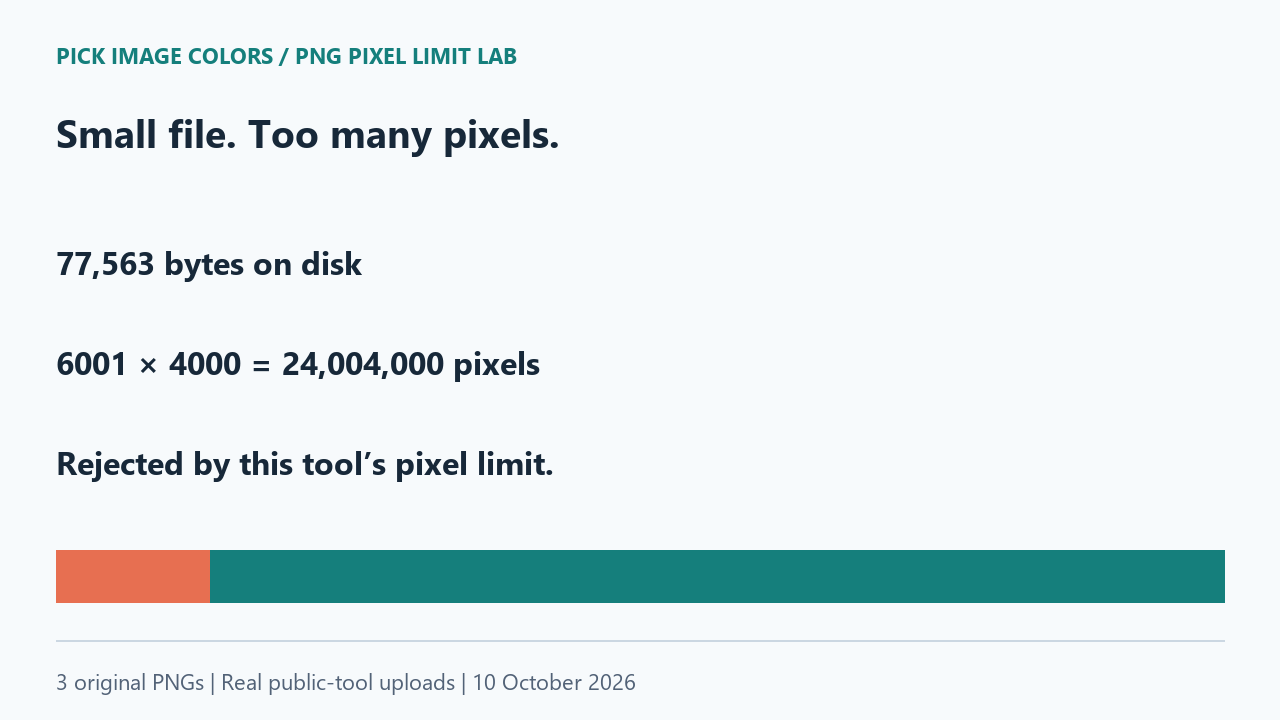
One extra column crossed the boundary
| File | File bytes | Dimensions | Pixels | Live outcome |
|---|---|---|---|---|
| small-control.png | 1,298 | 600 × 400 | 240,000 | loaded |
| at-pixel-limit.png | 77,549 | 6000 × 4000 | 24,000,000 | loaded |
| over-pixel-limit.png | 77,563 | 6001 × 4000 | 24,004,000 | rejected |
We selected each file through the public upload control in the same Chrome session. The small control loaded at 600 × 400. The boundary image loaded at 6000 × 4000. Actual center clicks at (300, 200) and (3000, 2000), respectively, both returned #157F7C. These readings agreed with the known teal sample; they were not inferred from the screenshots.
The third upload displayed: “This image exceeds the 24 million pixel limit. Resize it and try again.” Its dimensions were 6001 × 4000, so the calculation was 6001 × 4000 = 24,004,000. Adding one column added 4000 pixels. The two large files differed by only 77,563 − 77,549 = 14 stored bytes, yet they landed on opposite sides of the pixel check.
Exactly 24,000,000 pixels passed in this session. The source check rejects a product greater than that value, which agrees with our boundary observation. Passing the numerical check does not promise that every device, encoding or browser can decode a file successfully.
A visible color after failure can belong to the old file
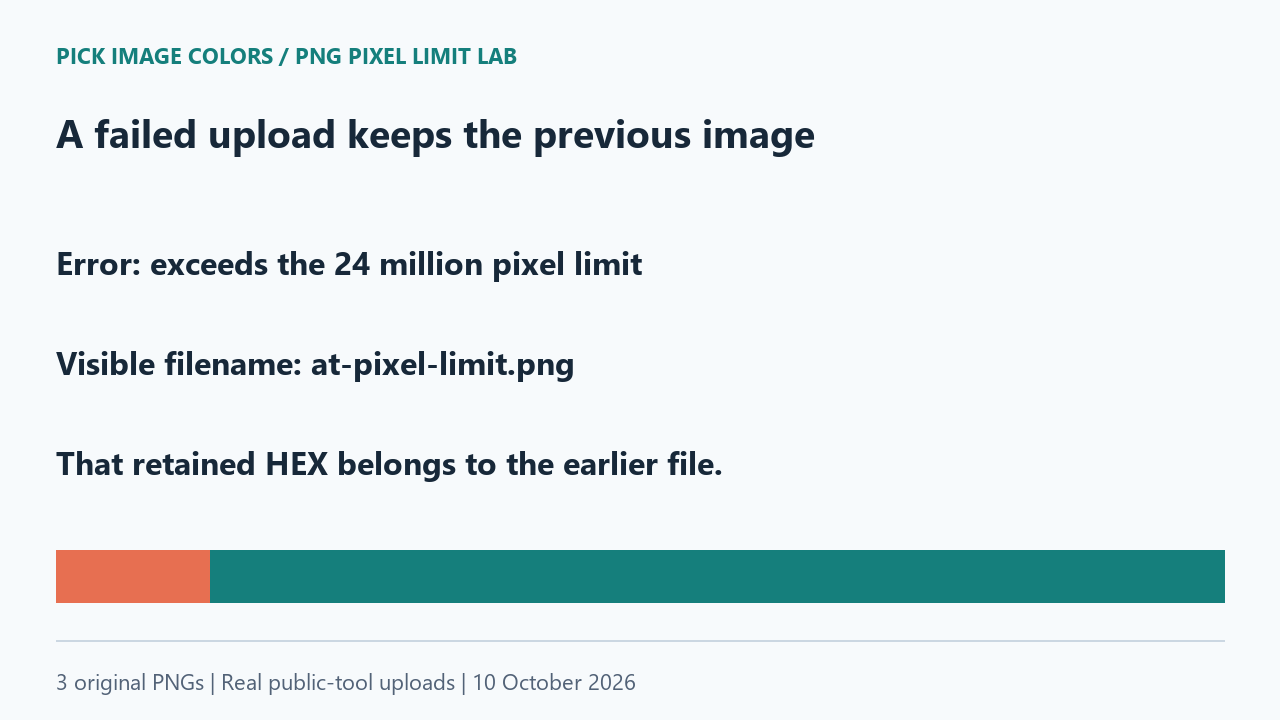
After the rejected upload, the page still displayed at-pixel-limit.png, 6000 × 4000 px, and the previous #157F7C selection. The error message was visible at the same time. The tool had preserved the last successful image; it had not accepted the larger one.
We therefore recorded no color reading for over-pixel-limit.png. Copying the visible HEX at that moment would have copied a result from the earlier file. The filename and dimensions are useful checks when an error leaves an otherwise usable tool on screen.
Compression and dimensions are separate
The PNG specification stores width and height as pixel dimensions and describes PNG as compressed, lossless image storage. A file length is not a pixel count. Our repetitive, two-color fixtures demonstrate that distinction without measuring the browser's total memory use.
For this particular error, crop a working copy if you only need one region, or resize it if you need the entire composition. Resizing changes the sampling grid, so recheck the color at the new location rather than assuming old coordinates still identify the same pixel. Keep the original when exact source pixels matter. We did not test or recommend a particular external resizing service here.
Reproduce the boundary without changing the tool
- Download and unpack the lab ZIP. Run
check-files.pywith Python and Pillow to verify dimensions, byte sizes and hashes against the manifest. - Upload small-control.png. Confirm the filename and 600 × 400 dimensions before selecting its center.
- Upload at-pixel-limit.png. Confirm 6000 × 4000 and sample its center. In our run both accepted images returned #157F7C.
- Upload over-pixel-limit.png. Record the visible error and the filename still shown. Do not count the retained color as a new measurement.
This test covers three opaque, synthetic PNGs and one desktop Chrome session. It does not establish a memory benchmark, a maximum safe image for phones, or a universal limit for other tools. The download preserves the inputs and observations so a future implementation change can be distinguished from this result.
Questions about a small file being rejected
Does a smaller file always have fewer pixels?
No. In this test, the rejected PNG used 77,563 bytes but contained 24,004,000 pixels. Read its dimensions separately from its file size.
Will recompressing without resizing fix this pixel-limit error?
It does not change width multiplied by height. The pixel count remains over the same threshold if those dimensions stay unchanged.
Why can I still copy a color after the error?
Our tool retained the previous successful image. Check the displayed filename before using that value.
Watch the upload comparison
Original diagrams with synthetic English narration.