A file whose images cannot be confused
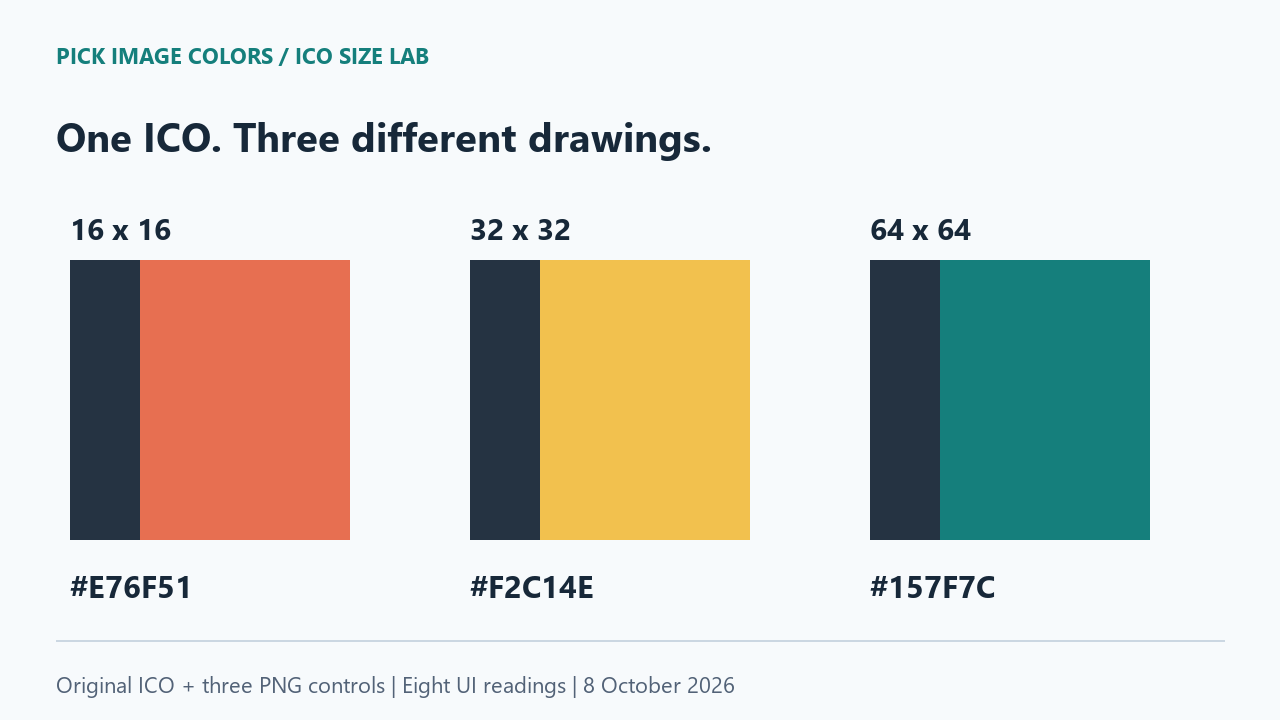
We drew three square images at 16 × 16, 32 × 32 and 64 × 64. Their main fills are #E76F51, #F2C14E and #157F7C respectively. In each image, the left quarter is #253342. We intentionally changed the main color between sizes to make the chosen representation obvious. This is a diagnostic fixture, not a claim that ordinary icons always use different colors.
We packed those drawings into one ICO with Pillow and kept the original PNGs as controls. A separate script read each directory entry, decoded its PNG payload and compared all its RGB pixels with the corresponding control. All three matched exactly. That establishes what is inside our file; it does not establish what Chrome will select.
The uploaded ICO matched the teal control
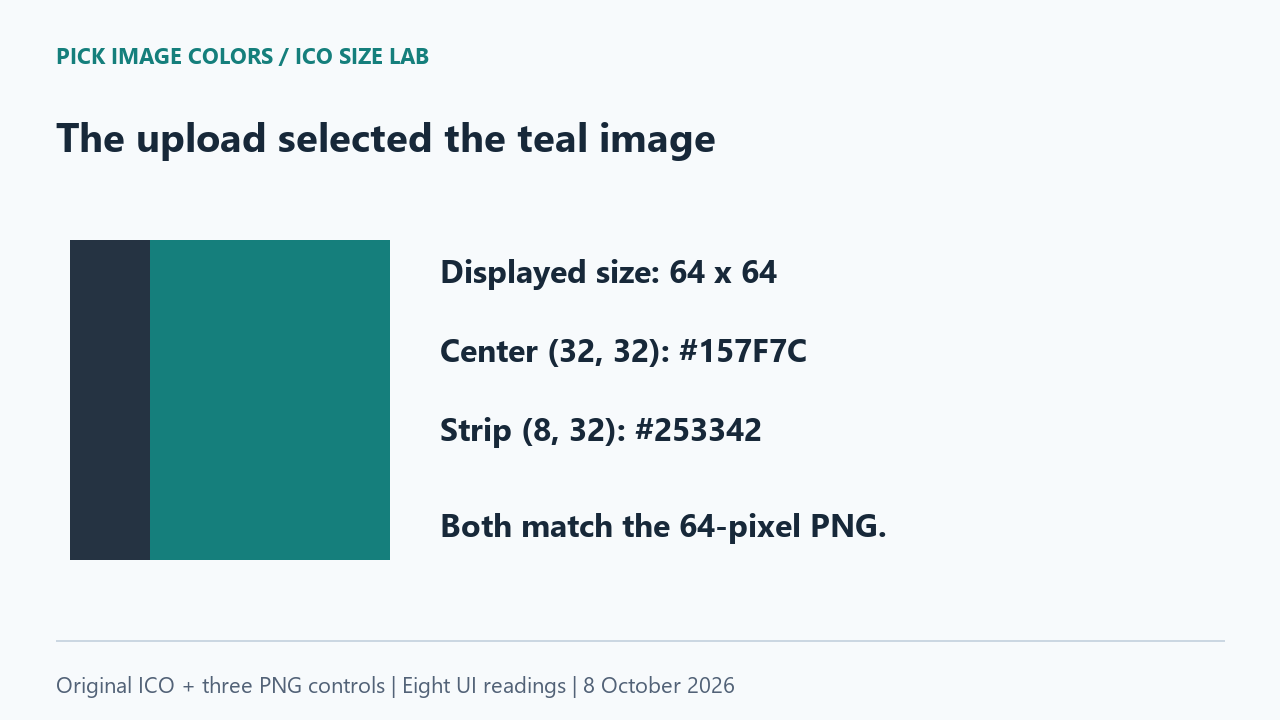
We uploaded three-sizes.ico to the live tool. It reported 64 × 64 pixels. A click at (32, 32) returned #157F7C; a click at (8, 32) returned #253342. We then uploaded the three PNG controls individually and clicked the corresponding interior positions. The two readings from the ICO matched those from icon-64-control.png.
The smaller PNGs loaded at their own dimensions. Their centers remained coral and yellow. We therefore did not observe the tool averaging the three icon drawings into a combined color. The dimensions and sampled regions were consistent with the 64-pixel representation in this session.
| Uploaded file | Decoded size | X, Y | HEX |
|---|---|---|---|
| three-sizes.ico | 64 × 64 | 32, 32 | #157F7C |
| three-sizes.ico | 64 × 64 | 8, 32 | #253342 |
| icon-16-control.png | 16 × 16 | 8, 8 | #E76F51 |
| icon-16-control.png | 16 × 16 | 2, 8 | #253342 |
| icon-32-control.png | 32 × 32 | 16, 16 | #F2C14E |
| icon-32-control.png | 32 × 32 | 4, 16 | #253342 |
| icon-64-control.png | 64 × 64 | 32, 32 | #157F7C |
| icon-64-control.png | 64 × 64 | 8, 32 | #253342 |
A matching strip is not enough
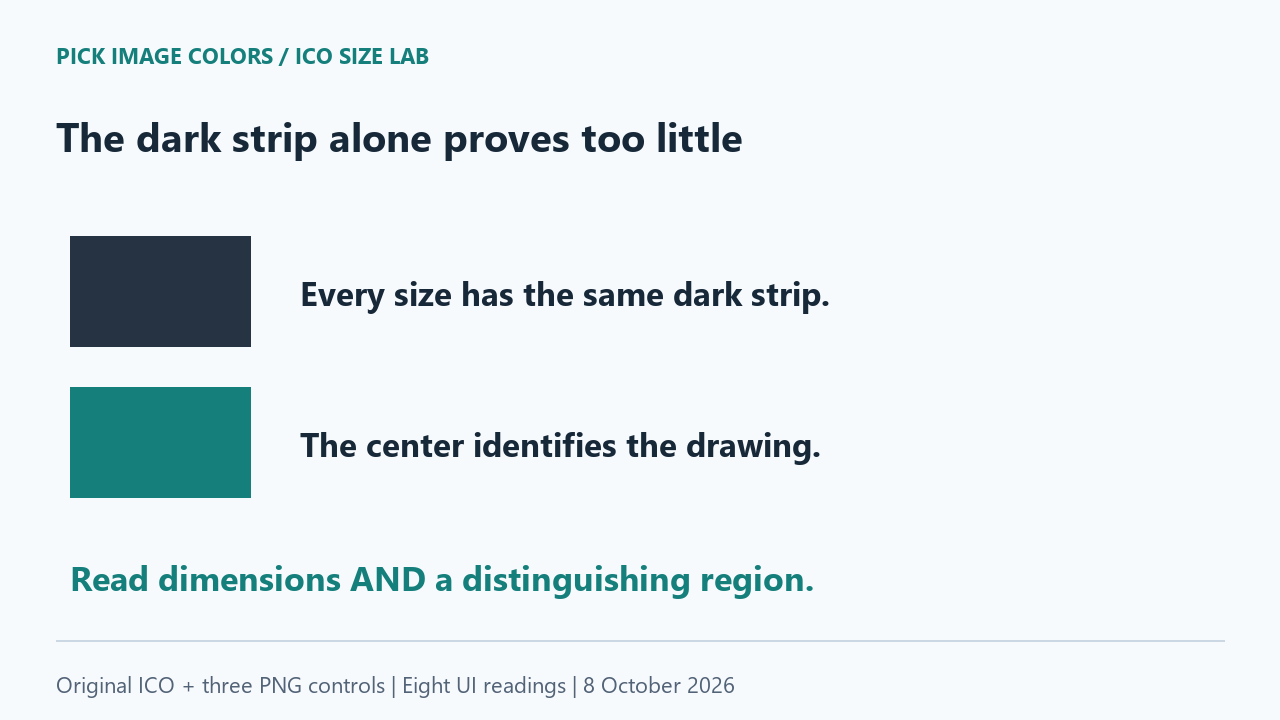
The strip gave #253342 in every file. If we had checked only that region, the measurement would not distinguish any of the three drawings. The center serves a different purpose: its unique fill identifies the content. Pairing that code with the displayed dimensions makes the comparison much stronger than relying on a shared pixel.
The ICO reading at (32, 32) and the 16-pixel PNG reading at (8, 8) are both center samples, but they belong to different drawings. Expecting identical codes would be a mistake. The downloaded log keeps each filename, decoded size and coordinate together so those comparisons remain explicit.
What the file documentation establishes
Pillow documents ICO sizes and replacement images, including PNG payloads as its default saving format. We used those options to store our separately drawn sizes. Its statement about reading the largest icon describes Pillow. Our Chrome result comes from the upload test, not from assuming that a library's behavior is a browser rule.
Sample a specific representation deliberately
- Download and unpack the lab ZIP. Upload three-sizes.ico and record the dimensions shown next to the filename. In our session they were 64 × 64.
- Click the center and left strip at the coordinates in the table. Use the displayed HEX values rather than judging the enlarged preview by eye.
- Upload each PNG control separately. Keep its native dimensions and repeat its two listed coordinates. If you specifically need the coral drawing, use icon-16-control.png.
- Run check-ico.py with Python and Pillow to compare the embedded payloads with the controls. This file-level check is separate from the eight browser clicks.
We tested one deliberately authored ICO with PNG payloads in one Chrome session. We did not test other browsers, bitmap-encoded icon payloads, malformed files or browser-tab favicon selection. No measurement here proves a universal largest-image rule. If another tool chooses a different representation, record its dimensions before comparing its color codes with ours.
Questions about picking colors from icons
Does an ICO have only one color palette?
Our file contains separately drawn images whose main colors differ. The live picker read a single decoded representation; its result did not describe all three drawings.
Can I choose the smaller ICO image inside this picker?
The current tool has no ICO size selector. Export the intended representation as a PNG in your icon editor, preserve its original dimensions, and upload that file.
Does this tell me which favicon Chrome uses in a tab?
No. This experiment covers uploading an image to the picker. It did not load the file as a document's favicon or compare tab, bookmark and shortcut icons.
Watch the image-size comparison
Original diagrams with synthetic English narration.