A changing center with two fixed controls
We created a 300 × 100 pixel image divided into three equal tiles. The left tile is #157F7C and the right tile is #F2C14E in both frames. Only the center changes: frame 0 contains #FF0000, while frame 1 contains #0000FF. Frame numbers in our files start at zero.
The GIF stores each frame for 1000 milliseconds and loops continuously. We also saved each original frame as a PNG. Before opening the picker, we decoded the GIF with Pillow and checked its frame count, duration metadata and center pixels against those originals. The two decoded frames matched the intended values. This verifies the file we supplied, not the browser's behavior.
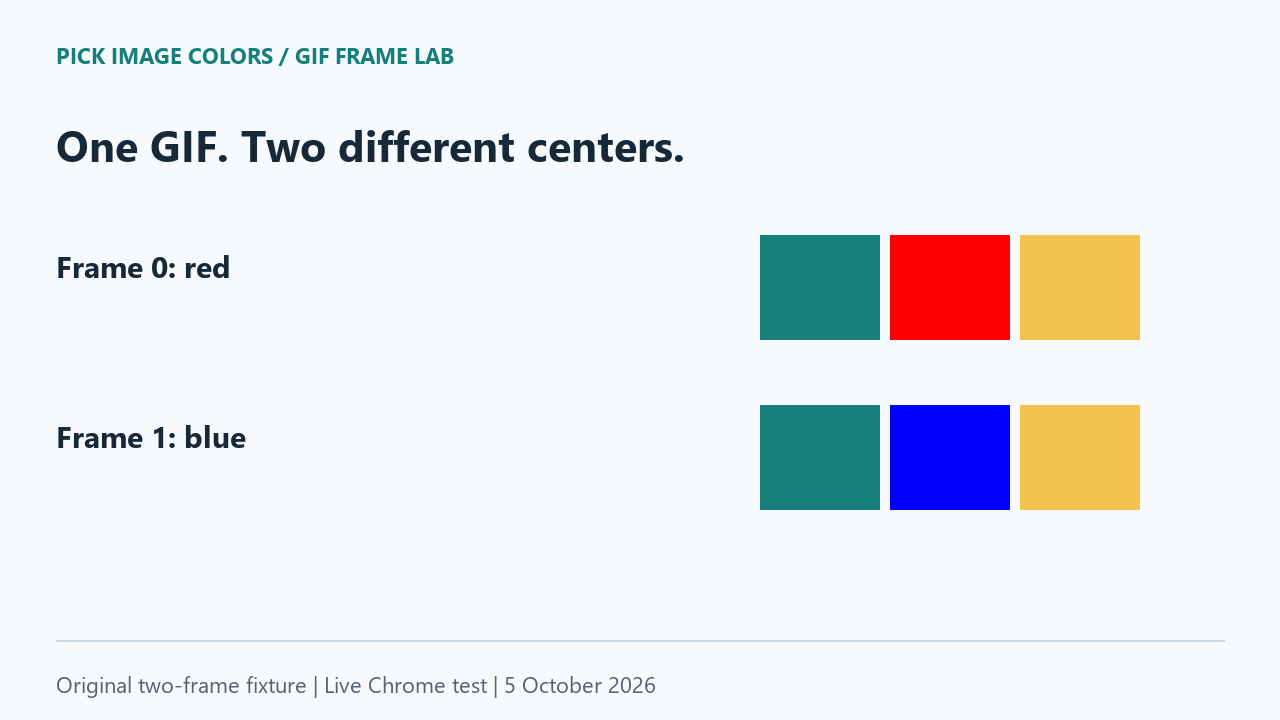
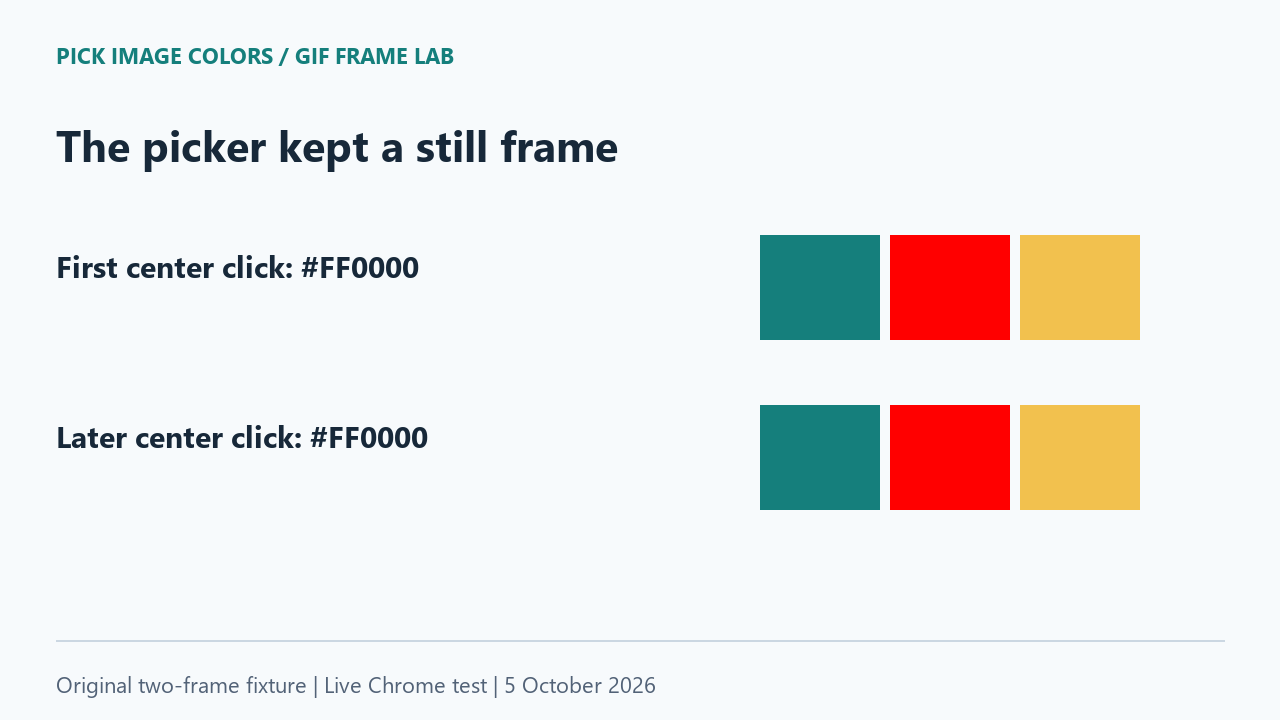
The live picker stayed on the red frame
We uploaded the GIF to the public tool in Chrome and manually clicked X 150, Y 50. The displayed value was #FF0000. We then sampled the left and right centers, at X 50 and X 250 with the same Y. Their codes matched our unchanged controls.
A second center click came 17.825 seconds after the first recorded center click, measured from the saved observation timestamps. It still showed #FF0000. That interval exceeds our GIF's complete two-second cycle. It is not a browser performance measurement or a precise timer started when the upload began.
| Input file | X, Y | Visible HEX | Observed on October 5 |
|---|---|---|---|
| two-frame-color-control.gif | 150, 50 | #FF0000 | 01:02:47.026 UTC |
| two-frame-color-control.gif | 50, 50 | #157F7C | 01:02:47.540 UTC |
| two-frame-color-control.gif | 250, 50 | #F2C14E | 01:02:47.924 UTC |
| two-frame-color-control.gif | 150, 50 | #FF0000 | 01:03:04.851 UTC |
| frame-0.png | 50, 50 | #157F7C | 01:03:06.423 UTC |
| frame-0.png | 150, 50 | #FF0000 | 01:03:07.436 UTC |
| frame-0.png | 250, 50 | #F2C14E | 01:03:08.462 UTC |
| frame-1.png | 50, 50 | #157F7C | 01:03:10.485 UTC |
| frame-1.png | 150, 50 | #0000FF | 01:03:11.517 UTC |
| frame-1.png | 250, 50 | #F2C14E | 01:03:12.518 UTC |
The picker displayed a static red-centered image at both observations. Its interface did not expose a frame selector. We did not click an animation preview at an arbitrary playback moment: we selected the same coordinate on the loaded still image.
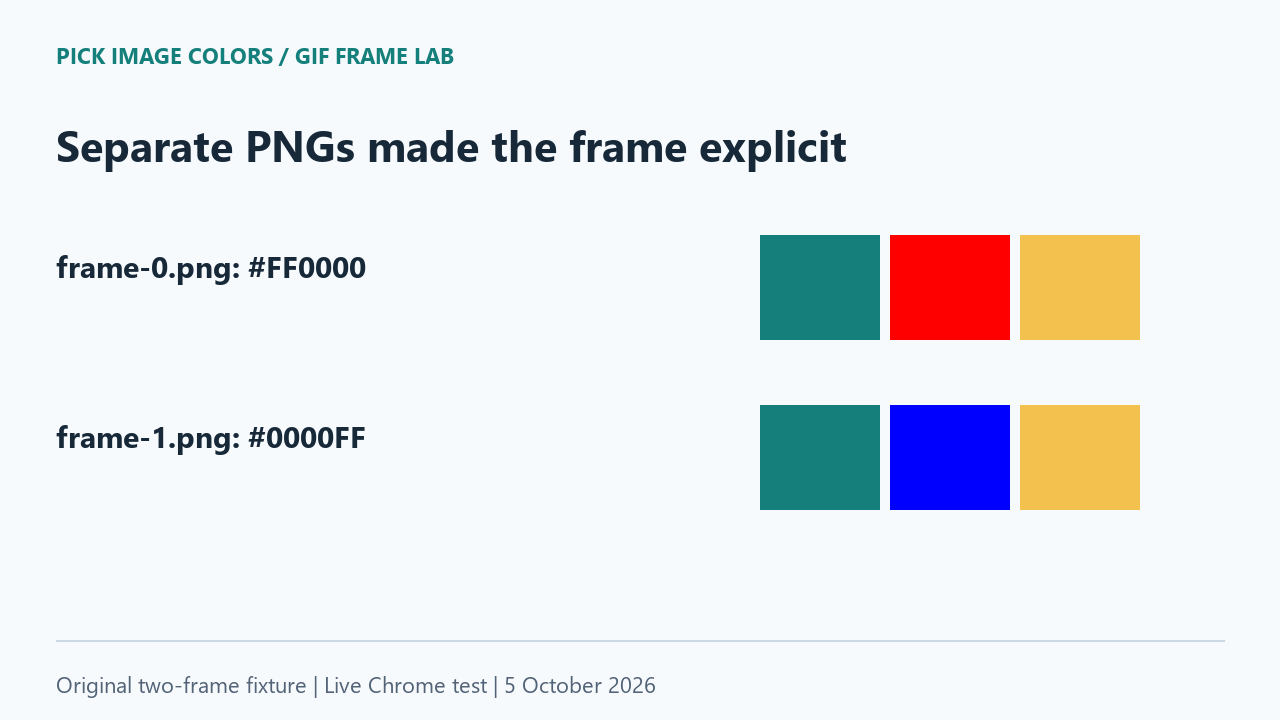
The PNG controls exposed the other color
We next uploaded frame-0.png and frame-1.png separately. At X 150, Y 50, the first PNG returned #FF0000 and the second returned #0000FF. Both PNGs returned #157F7C on the left and #F2C14E on the right.
Those controls narrow the explanation. The tool can read the blue center when that frame is supplied as a static image. The matching side tiles make a shifted coordinate or a completely different source image less plausible in this test. The GIF result is consistent with selecting frame 0; it is not evidence that the tool converted a blue pixel into red.
There is no single center color that describes both moments of this animation. A code taken from frame 0 and a code taken from frame 1 answer different questions, even though the filename and coordinates can be identical. Record the frame alongside the pixel position when passing an animation color to someone else.
Why an accepted GIF can become a still image
Our current source first attempts createImageBitmap for native image decoding, then copies the decoded pixels into the sampling canvas. It does not contain a GIF timeline or frame-selection control. The HTML Standard's ImageBitmap rules specify an animation's default image, or its first frame when there is no default image, for animated image input. That supplies technical context; our visible readings above are the evidence for this file's result.
Repeat the test, or request the blue frame explicitly
- Download and extract the lab ZIP. Upload two-frame-color-control.gif to the existing picker. Click the center and note its HEX and coordinates.
- Keep that upload loaded, sample the two side tiles, and later return to X 150, Y 50. Record the new timestamp and value rather than assuming the GIF advanced.
- Upload frame-1.png from the same download. Select X 150, Y 50 again. Our expected blue control is #0000FF; use the original PNG, not a resized illustration copied from this page.
- Optionally run python extract_frames.py with Pillow installed. For this GIF it writes extracted-00.png and extracted-01.png and prints each frame's duration and control pixels. Compare them with the supplied PNGs before sampling.
For an animation of your own, obtain the complete rendered frame you intend to measure, save it as PNG, and use that file as the input. Our extraction script and test are demonstrated on these opaque full-frame fixtures. We have not tested every GIF disposal pattern, partially updated frame, browser, operating system or image editor.
Frame-selection questions
Will waiting in the picker select a later GIF frame?
It did not in our test. This tool loaded a still image. Use a separate full-frame PNG when you need a specific animation moment.
Why does a GIF viewer show blue while this picker shows red?
The viewer may be showing a different moment. Our second PNG produced blue at the same coordinate, while the GIF upload and first PNG produced red.
Does GIF support promise animation controls?
No. A supported file can still be decoded for static sampling. Check for a frame selector or timeline before relying on a particular animation moment.
Watch the frame comparison
Original diagrams with synthetic English narration.