The original control
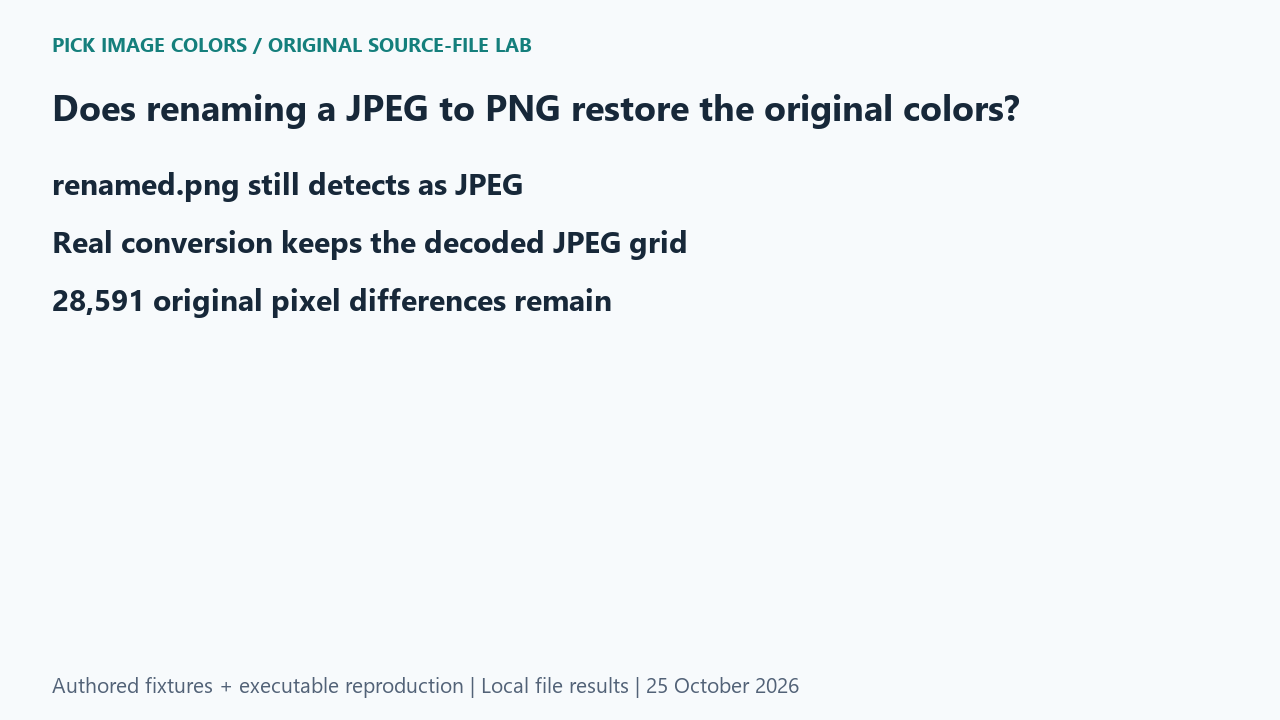
We authored a 240 × 120 RGB pattern and saved an original PNG. Next we encoded JPEG at quality 80 with subsampling=0. We copied those JPEG bytes unchanged to a file named renamed.png. Finally, we decoded the JPEG and saved a genuine PNG named actually-converted.png. Each step had a separate file hash and detected format in the report.
What the saved files measured
Pillow detected JPEG for both encoded.jpg and renamed.png, and both files measured 13,962 bytes with the same byte hash. The genuine converted file detected as PNG. Original-to-JPEG comparison found 28,591 changed pixels; original-to-converted-PNG found the same count. JPEG-to-renamed and JPEG-to-converted comparisons each found zero changed decoded pixels.
| Original test file | Detected format / mode | Dimensions | Bytes | Distinct decoded RGBA values |
|---|---|---|---|---|
| original.png | PNG / RGB | 240 × 120 | 692 | 28,800 |
| encoded.jpg | JPEG / RGB | 240 × 120 | 13,962 | 28,719 |
| renamed.png | JPEG / RGB | 240 × 120 | 13,962 | 28,719 |
| actually-converted.png | PNG / RGB | 240 × 120 | 47,160 | 28,719 |
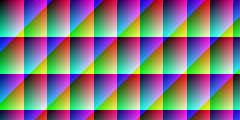



These are source-file measurements made with Python 3.12.14, Pillow 12.3.0 and libwebp 1.6.0. The manifest records complete file hashes, decoded RGBA hashes and the relevant coordinates. File sizes are measured bytes for these inputs, not forecasts for other images.
How to interpret this comparison
The two controls distinguish relabeling from re-encoding. The renamed file did not change its storage at all. The real PNG changed storage format but started from the JPEG decoder’s output, not the earlier original. Saving that output losslessly preserved what was available at that stage; it had no access to source values removed by the previous encoding.
Repeat this exact test
- Run the rename case and compare each file’s detected format with its extension.
- Check that the JPEG and renamed file hashes match, then compare the genuine PNG’s decoded RGBA hash.
- When exact original samples matter, retain the pre-JPEG source. Changing a later filename or container cannot substitute for that reference.
Download and unpack the ZIP. With Python and Pillow installed, run the command below. Compare the generated measurements.json with the included report. The script regenerates fixtures and computes the measurements; it does not obtain values from this article.
python reproduce.py --case renaming-jpeg-to-png --out rerunScope and limits
The changed-pixel count belongs to this synthetic image and this recorded encoder/decoder runtime. It is not a quality score for every JPEG. We did not test browser MIME handling or claim that an upload interface accepts misleading extensions.
Our own sample is a diagnostic control. Applying its conclusion to another file requires checking that file and the operations performed on it. We have not measured a global error rate or established that an automatic palette is an exhaustive list of image colors.
Did the genuine PNG conversion restore the original RGB grid?
No. It preserved the decoded JPEG grid exactly; the same 28,591 source-pixel differences remained.
Watch the source-file comparison
Original diagrams and synthetic English narration. Caption sentence timings are approximate.