The original control
We generated an opaque RGB pattern with 240 columns and 120 rows. At each source coordinate, red was (11 × x) mod 256, green was (7 × y) mod 256 and blue was (5 × (x + y)) mod 256. We saved the same in-memory image twice, with compress_level=0 and compress_level=9, leaving optimize off.
What the saved files measured
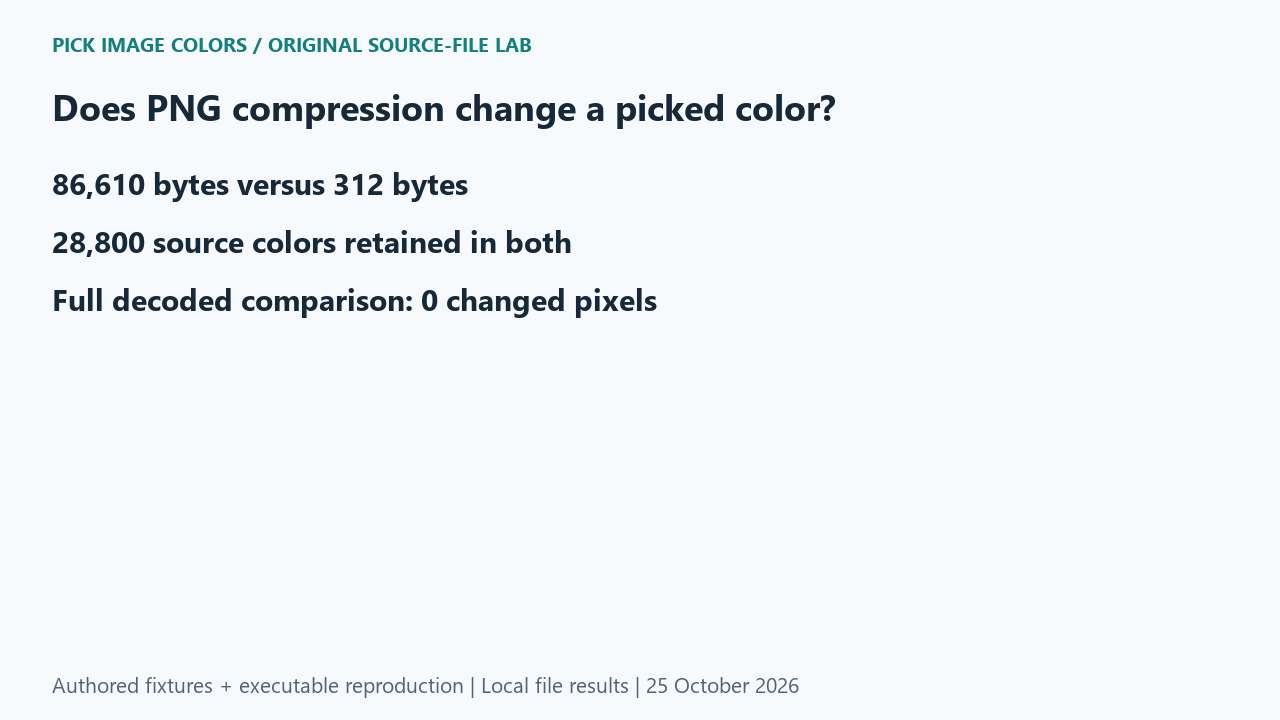
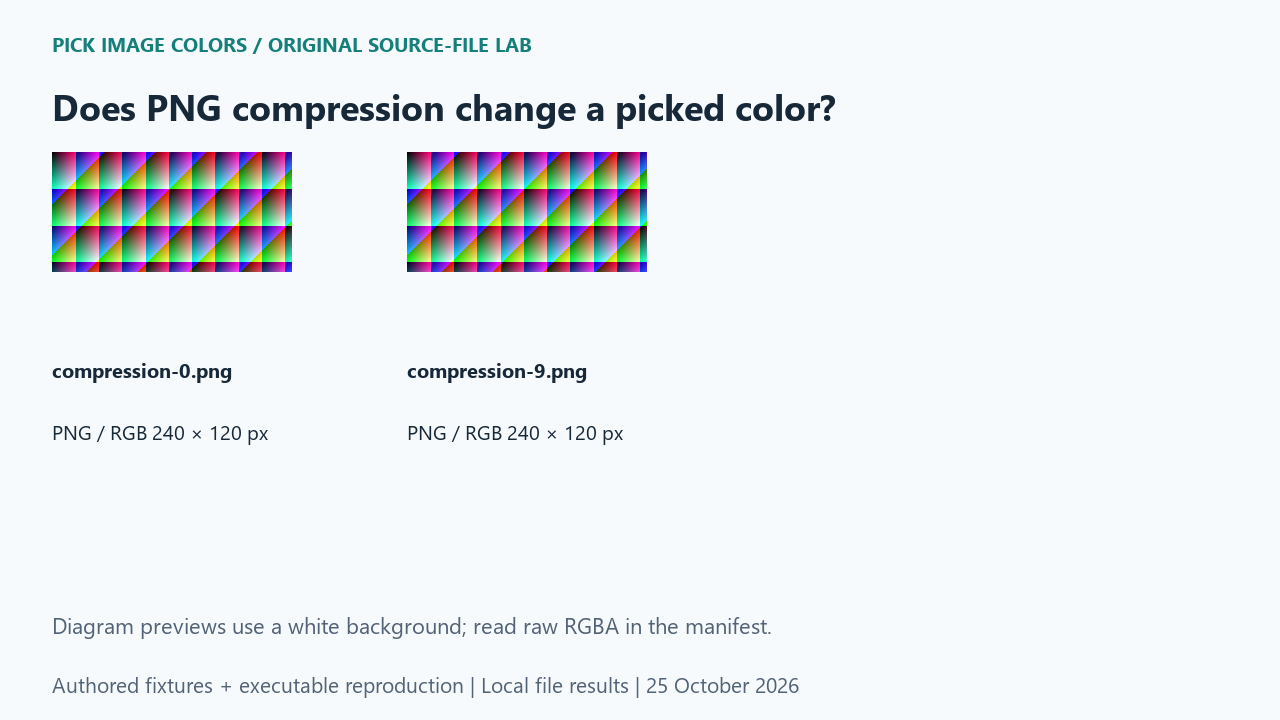
The level-0 PNG measured 86,610 bytes; level 9 measured 312 bytes. Each decoded image contained 28,800 distinct RGBA values after an opaque alpha channel was added for comparison. Their entire decoded RGBA grids had the same hash, with zero changed pixels. Both samples at (40, 60) and (200, 60) also matched.
| Original test file | Detected format / mode | Dimensions | Bytes | Distinct decoded RGBA values |
|---|---|---|---|---|
| compression-0.png | PNG / RGB | 240 × 120 | 86,610 | 28,800 |
| compression-9.png | PNG / RGB | 240 × 120 | 312 | 28,800 |
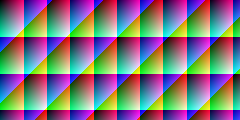
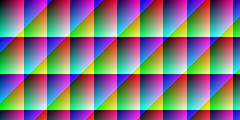
These are source-file measurements made with Python 3.12.14, Pillow 12.3.0 and libwebp 1.6.0. The manifest records complete file hashes, decoded RGBA hashes and the relevant coordinates. File sizes are measured bytes for these inputs, not forecasts for other images.
How to interpret this comparison
The large byte difference came from this compressible, deliberately structured pattern. It is not an expected saving for photographs. More importantly, the smaller file did not obtain its saving by reducing the number of source colors. A tool that also quantizes, resizes or changes color profiles performs additional operations beyond the compression-level change tested here.
Repeat this exact test
- Unpack the experiment and rerun the compression case. Compare each saved-file hash with its decoded RGBA hash.
- Confirm changed_rgba_pixels is zero and both dimensions remain 240 × 120.
- If your own export changes a picked code, compare its decoded pixels and inspect other export operations separately.
Download and unpack the ZIP. With Python and Pillow installed, run the command below. Compare the generated measurements.json with the included report. The script regenerates fixtures and computes the measurements; it does not obtain values from this article.
python reproduce.py --case png-compression-color-values --out rerunScope and limits
We tested Pillow’s PNG compression setting on an opaque, unprofiled RGB fixture. We did not test a third-party optimizer, a managed display or every PNG export preset. The measured byte counts describe these files only.
Our own sample is a diagnostic control. Applying its conclusion to another file requires checking that file and the operations performed on it. We have not measured a global error rate or established that an automatic palette is an exhaustive list of image colors.
Is a smaller PNG proof that colors were removed?
No. These two files have different sizes but identical decoded pixels. You need a pixel comparison to establish a color change.
Watch the source-file comparison
Original diagrams and synthetic English narration. Caption sentence timings are approximate.