The original control
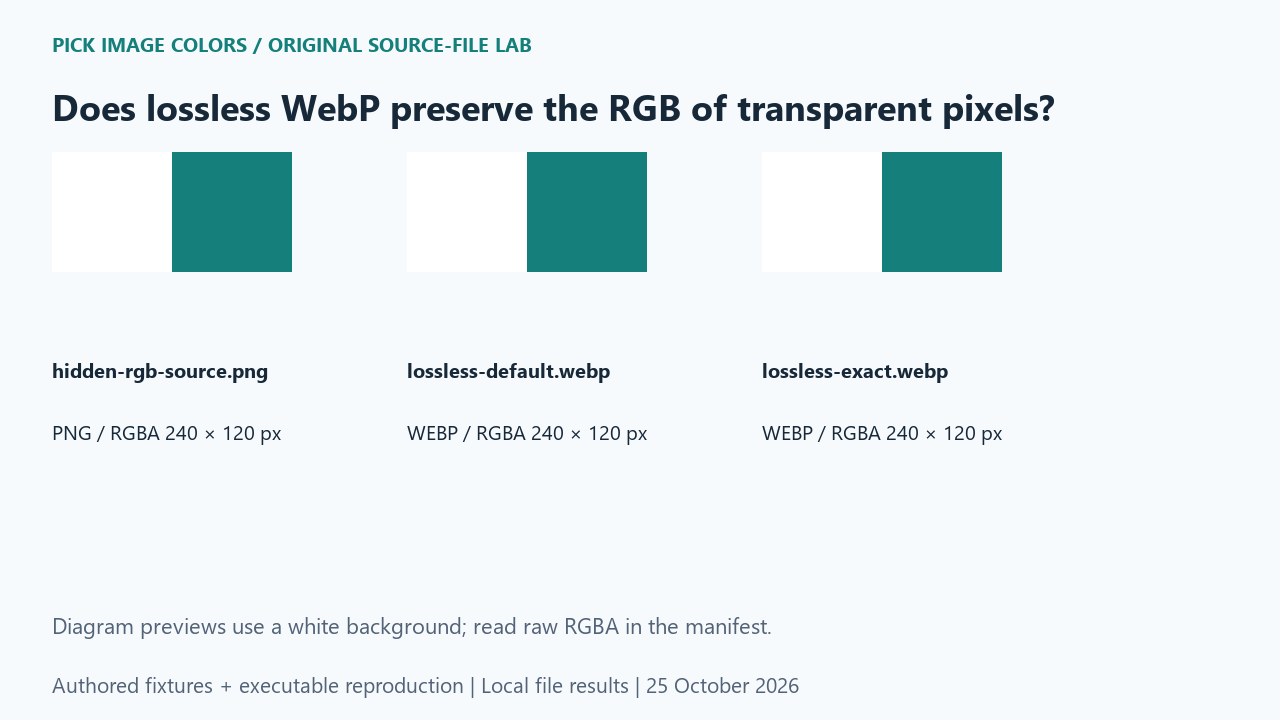
We authored a 240 × 120 RGBA PNG. The left half stored pink RGB (198, 52, 122) with alpha 0; the right half stored teal (21, 127, 124) with alpha 255. We encoded that same input twice with Pillow: lossless=True alone, then lossless=True with exact=True. No photograph, palette reduction or image resizing was involved.
What the saved files measured
The default WebP decoded its left sample as (0, 0, 0, 0). The exact WebP retained (198, 52, 122, 0). A full-grid comparison counted 14,400 changed RGBA pixels in the default file and zero in the exact file. Both retained the opaque teal sample. The saved default and exact files measured 50 and 52 bytes in this run.
| Original test file | Detected format / mode | Dimensions | Bytes | Distinct decoded RGBA values |
|---|---|---|---|---|
| hidden-rgb-source.png | PNG / RGBA | 240 × 120 | 448 | 2 |
| lossless-default.webp | WEBP / RGBA | 240 × 120 | 50 | 2 |
| lossless-exact.webp | WEBP / RGBA | 240 × 120 | 52 | 2 |



These are source-file measurements made with Python 3.12.14, Pillow 12.3.0 and libwebp 1.6.0. The manifest records complete file hashes, decoded RGBA hashes and the relevant coordinates. File sizes are measured bytes for these inputs, not forecasts for other images.
How to interpret this comparison
We then composited all three decoded inputs over solid white and over solid black. The complete composite grids matched within each background. That control separates hidden-channel preservation from visible equality. It explains how a file can satisfy this visible comparison while failing an RGBA byte comparison. If hidden RGB drives texture processing, record that requirement explicitly rather than relying on the word lossless.
Repeat this exact test
- Run the supplied experiment and compare the RGBA samples and full-grid hashes in measurements.json.
- Inspect the two composites_equal entries. They test each complete composite, not a screenshot.
- Keep exact=True in a WebP export when this specific hidden-data requirement applies; retain the original PNG as the reference.
Download and unpack the ZIP. With Python and Pillow installed, run the command below. Compare the generated measurements.json with the included report. The script regenerates fixtures and computes the measurements; it does not obtain values from this article.
python reproduce.py --case lossless-webp-transparent-rgb --out rerunScope and limits
This is a local encoder and decoder experiment, not a claim that a browser color picker can recover invisible RGB. Alpha-zero pixels have no visible color in these composites. Other encoder versions can produce different file sizes; the manifest records the actual runtime.
Our own sample is a diagnostic control. Applying its conclusion to another file requires checking that file and the operations performed on it. We have not measured a global error rate or established that an automatic palette is an exhaustive list of image colors.
Did the visible teal change?
No. The opaque control decoded to the same RGB in all three files. The changed samples were in the fully transparent half.
Watch the source-file comparison
Original diagrams and synthetic English narration. Caption sentence timings are approximate.