The original control
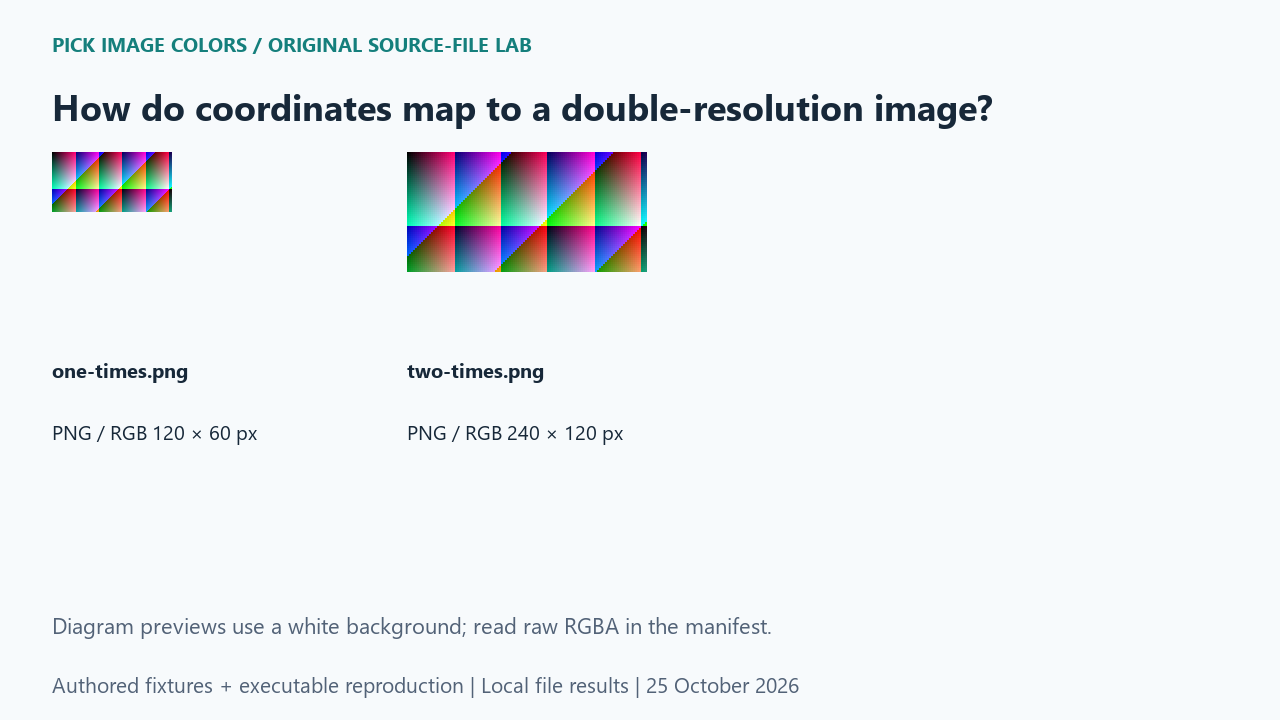
We made an original 120 × 60 RGB pattern, then enlarged it to 240 × 120 using NEAREST resampling. Each original pixel became a solid 2 × 2 block. The files were authored controls, not captured device screenshots. The construction lets us check coordinate scale without introducing interpolated edge colors.
What the saved files measured
The original pixel at (40, 20) was RGB (184, 140, 44), or #B88C2C. Enlarged (80, 40) returned that same RGB. Enlarged (40, 20) returned (220, 70, 150), or #DC4696, because it came from a different original pixel. Both files contained 7,200 distinct RGBA values despite the different pixel counts.
| Original test file | Detected format / mode | Dimensions | Bytes | Distinct decoded RGBA values |
|---|---|---|---|---|
| one-times.png | PNG / RGB | 120 × 60 | 284 | 7,200 |
| two-times.png | PNG / RGB | 240 × 120 | 617 | 7,200 |
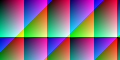
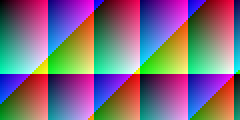
These are source-file measurements made with Python 3.12.14, Pillow 12.3.0 and libwebp 1.6.0. The manifest records complete file hashes, decoded RGBA hashes and the relevant coordinates. File sizes are measured bytes for these inputs, not forecasts for other images.
How to interpret this comparison
An image coordinate and a display coordinate answer different questions. This control demonstrates an exact scale mapping, not the actual ratio on your monitor. MDN describes devicePixelRatio as a device-pixel to CSS-pixel relationship; that value alone does not tell you how a particular uploaded image has been fitted into a preview. Keep file dimensions and preview dimensions separate.
Repeat this exact test
- Rerun the scale case and confirm NEAREST and scale=2 in the manifest.
- Compare original_xy with scaled_xy and the two matching RGB values.
- For a real screenshot discrepancy, first establish its actual saved dimensions and the preview’s mapping; do not assume this authored two-times control describes that device.
Download and unpack the ZIP. With Python and Pillow installed, run the command below. Compare the generated measurements.json with the included report. The script regenerates fixtures and computes the measurements; it does not obtain values from this article.
python reproduce.py --case double-resolution-image-coordinates --out rerunScope and limits
We did not measure a phone, a browser’s devicePixelRatio or a live screenshot tool. Bilinear resizing, cropping, rotation and fractional preview scaling are outside this exact-block example.
Our own sample is a diagnostic control. Applying its conclusion to another file requires checking that file and the operations performed on it. We have not measured a global error rate or established that an automatic palette is an exhaustive list of image colors.
Does every screenshot have a two-times scale?
No. Two was our chosen fixture scale. A real screenshot requires its own dimensions and mapping to be checked.
Watch the source-file comparison
Original diagrams and synthetic English narration. Caption sentence timings are approximate.