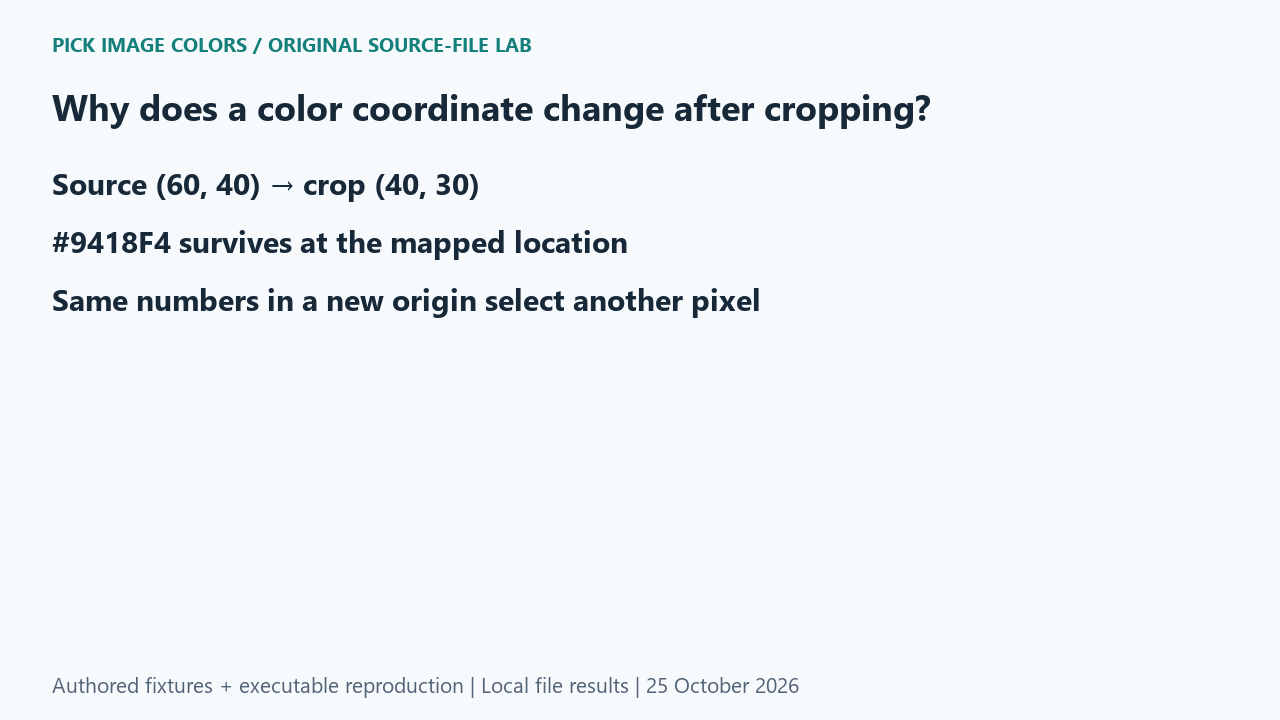
The original control
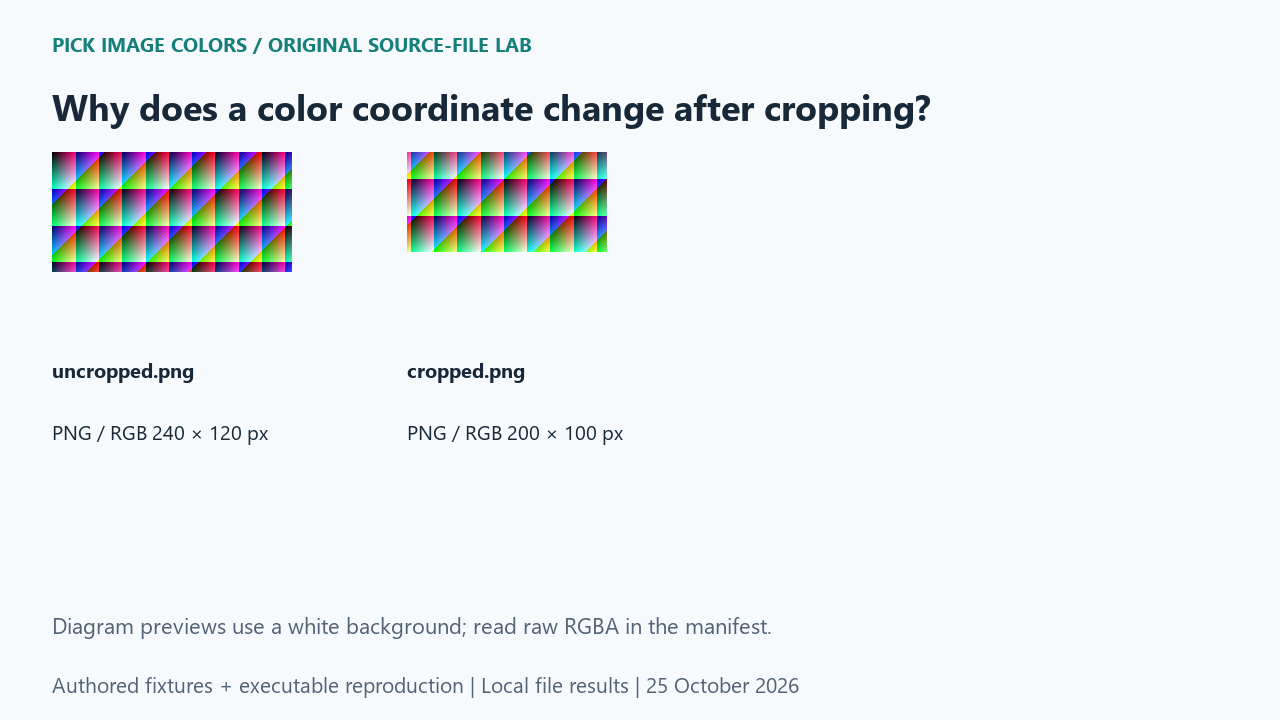
We authored a 240 × 120 opaque RGB pattern with a known coordinate-dependent formula, then cropped the rectangle (20, 10, 220, 110). Pillow’s crop box uses left and top inclusive, right and bottom exclusive. The resulting image measured 200 × 100. We saved both files without resizing or converting them through JPEG.
What the saved files measured
The original at (60, 40) stored RGB (148, 24, 244), or #9418F4. Cropped (40, 30) returned the same value. Cropped (60, 40) instead returned (112, 94, 138), or #705E8A. The mapping was (60 − 20, 40 − 10) = (40, 30); the different result at the unchanged numbers was expected.
| Original test file | Detected format / mode | Dimensions | Bytes | Distinct decoded RGBA values |
|---|---|---|---|---|
| uncropped.png | PNG / RGB | 240 × 120 | 692 | 28,800 |
| cropped.png | PNG / RGB | 200 × 100 | 592 | 20,000 |
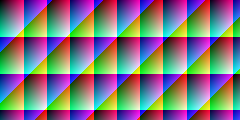
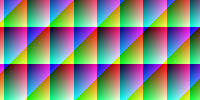
These are source-file measurements made with Python 3.12.14, Pillow 12.3.0 and libwebp 1.6.0. The manifest records complete file hashes, decoded RGBA hashes and the relevant coordinates. File sizes are measured bytes for these inputs, not forecasts for other images.
How to interpret this comparison
This comparison isolates a location error from a color-conversion error. The crop keeps that chosen source pixel intact, but gives it a new address. A discrepancy report should therefore pair every code with its file and coordinate system. A coordinate remembered from an uncropped reference is not enough to identify a point in its cropped derivative.
Repeat this exact test
- Run the crop case and check crop_box, source_xy and mapped_crop_xy.
- Compare the source and mapped crop values before checking the deliberately wrong same-number sample.
- When reproducing a discrepancy, keep the original file and crop offsets alongside the selected HEX code.
Download and unpack the ZIP. With Python and Pillow installed, run the command below. Compare the generated measurements.json with the included report. The script regenerates fixtures and computes the measurements; it does not obtain values from this article.
python reproduce.py --case cropped-image-pixel-coordinates --out rerunScope and limits
The coordinates here are zero-based source pixels in saved files. They are not pointer positions on a browser canvas. A displayed preview can add another scale mapping, and that separate transformation was not measured in this crop experiment.
Our own sample is a diagnostic control. Applying its conclusion to another file requires checking that file and the operations performed on it. We have not measured a global error rate or established that an automatic palette is an exhaustive list of image colors.
Did cropping alter the chosen pixel’s RGB?
The mapped pixel retained exactly the same RGB. Only the deliberately reused coordinate numbers selected a different source point.
Watch the source-file comparison
Original diagrams and synthetic English narration. Caption sentence timings are approximate.