The original control
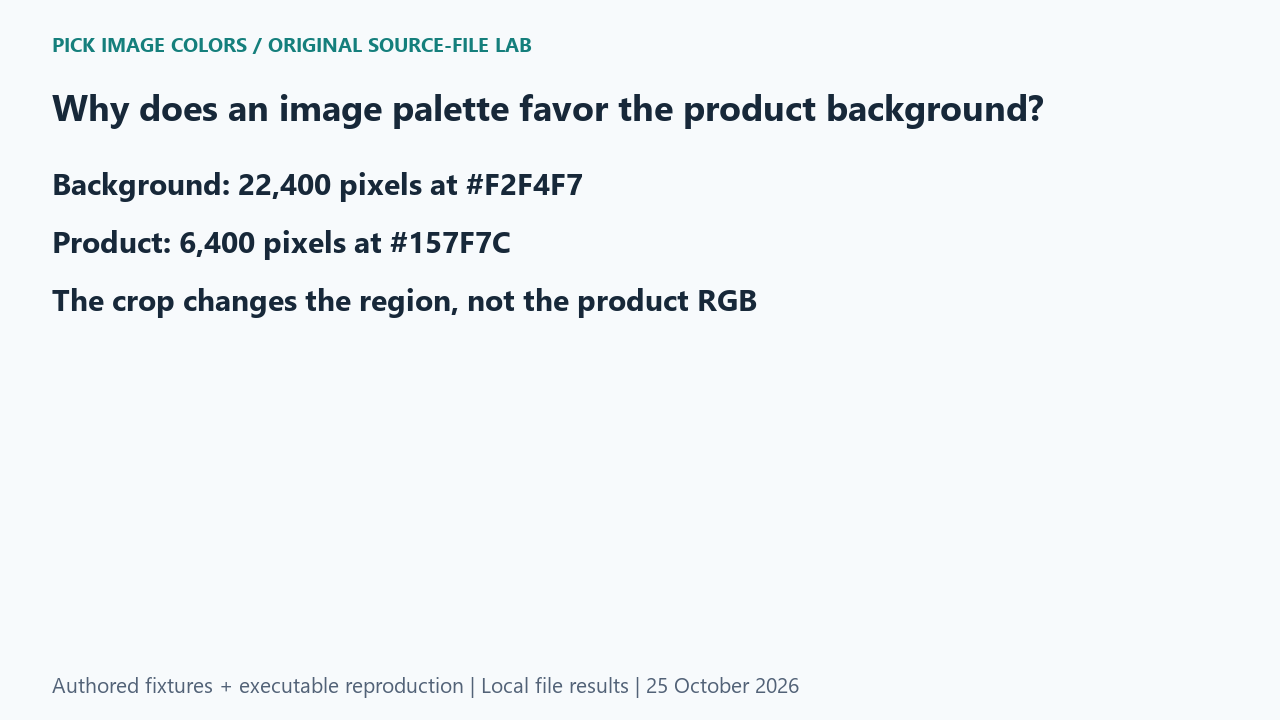
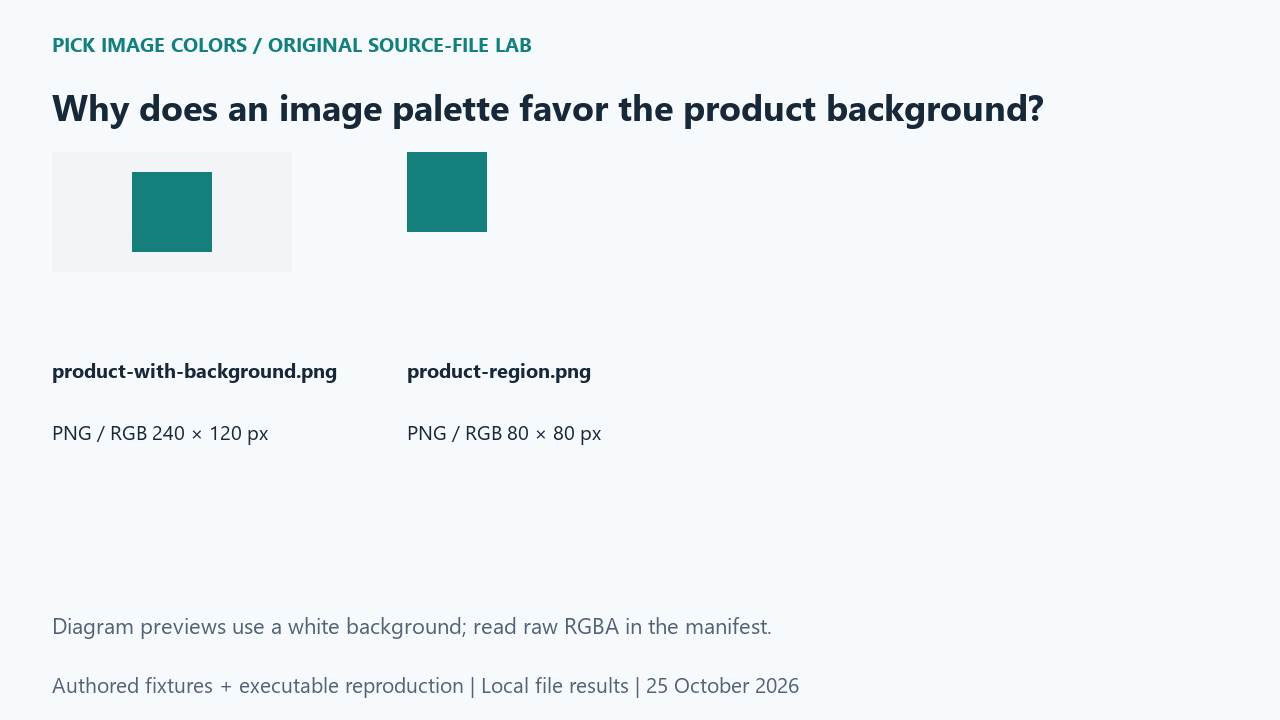
We authored a 240 × 120 RGB product-style control: a flat teal rectangle on a pale background. The rectangle occupied x=80 through 159 and y=20 through 99. We also saved an exact crop with the box (80, 20, 160, 100), containing only that rectangle. This is a synthetic flat-color object, not a photograph or a segmentation benchmark.
What the saved files measured
Counting every decoded pixel in the full image produced 22,400 background pixels at #F2F4F7 and 6,400 product pixels at #157F7C. The counts summed to 28,800. The 80 × 80 crop contained 6,400 pixels, all #157F7C. No background pixel remained, and no product channel value changed.
| Original test file | Detected format / mode | Dimensions | Bytes | Distinct decoded RGBA values |
|---|---|---|---|---|
| product-with-background.png | PNG / RGB | 240 × 120 | 431 | 2 |
| product-region.png | PNG / RGB | 80 × 80 | 208 | 1 |


These are source-file measurements made with Python 3.12.14, Pillow 12.3.0 and libwebp 1.6.0. The manifest records complete file hashes, decoded RGBA hashes and the relevant coordinates. File sizes are measured bytes for these inputs, not forecasts for other images.
How to interpret this comparison
The result explains a region-selection issue without claiming how every automatic palette ranks swatches. A full-image histogram correctly answers which colors occupy the complete frame. A product-only histogram answers a narrower question. Increasing the requested number of palette colors does not redefine the region being analyzed; choose that region deliberately when the background is irrelevant to the task.
Repeat this exact test
- Run the background case and verify full_counts closes over 240 × 120 pixels.
- Compare the product’s code in full_counts and cropped_counts. It stays #157F7C.
- For a real product reference, prepare an appropriate crop in your image editor, keep the original, and then upload the desired region.
Download and unpack the ZIP. With Python and Pillow installed, run the command below. Compare the generated measurements.json with the included report. The script regenerates fixtures and computes the measurements; it does not obtain values from this article.
python reproduce.py --case background-dominant-image-palette --out rerunScope and limits
The tool’s existing upload workflow is unchanged; this page does not claim an in-tool crop button. We counted exact flat colors and did not test shadows, antialiasing, object masks or the frequency ranking of a browser palette.
Our own sample is a diagnostic control. Applying its conclusion to another file requires checking that file and the operations performed on it. We have not measured a global error rate or established that an automatic palette is an exhaustive list of image colors.
Did cropping make the product a different color?
No. Its RGB stayed the same. The change was which pixels were included in the complete-image count.
Watch the source-file comparison
Original diagrams and synthetic English narration. Caption sentence timings are approximate.